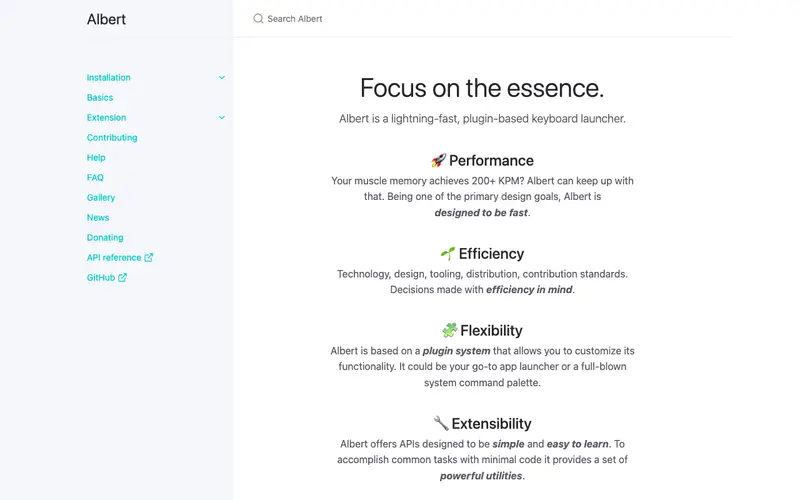
Albert is a fast, extensible desktop-agnostic launcher for Linux, inspired by Alfred and macOS Spotlight, developed by Tobias Müller. It offers quick access to applications, files, browser bookmarks, and allows for custom extensions to perform a wide range of tasks. The primary workflow involves pressing a customizable hotkey (e.g., Ctrl+Space) to invoke the Albert search bar, typing a query, and then selecting the desired application, file, or action from the real-time results. It is exclusively available on Linux. Its most used feature is its "extensions" system, enabling integration with various services, calculators, web searches, and system commands. Albert stores its configuration and index data locally on the user's system.
Editorial check
How this page is checked
Source trail
albertlauncher.github.io
External links are separated from Surfaced commentary.
Reader safety
Context before clicks
Product links and external services are not presented as guarantees.
Monetization
No affiliate flag
Ads and commerce links are kept distinct from editorial text.
Surfaced take
Why It’s Useful
Albert eliminates the need to navigate through application menus or file browsers, providing a centralized and efficient command center for your Linux desktop. For the data scientist, it offers a rapid way to launch specific data analysis tools, open Python scripts, or perform quick calculations without breaking their analytical flow. For the system administrator, it provides immediate access to terminal commands, configuration files, or remote SSH connections through custom extensions. Albert is completely free and open-source, offering its full feature set without any cost, making it genuinely useful for any Linux user. Compared to other Linux launchers like Synapse or Ueli, Albert stands out with its robust plugin architecture and a more refined, macOS-like user experience. A power feature is its ability to define "fuzzy search" for specific file types or locations, making it easier to find files even with typos. The learning curve is low for basic application launching; exploring and configuring extensions might take a bit more time, but a non-technical person can install and start launching applications in under 5 minutes.
In everyday life
When you’d actually reach for this
You need to quickly open your budgeting app to check your Sunday expenses, or find that specific PDF report you saved last week. When a colleague asks for a file, you can find it instantly without digging through folders.







Enjoyed this? Get five picks like this every morning.
Free daily newsletter — zero spam, unsubscribe anytime.