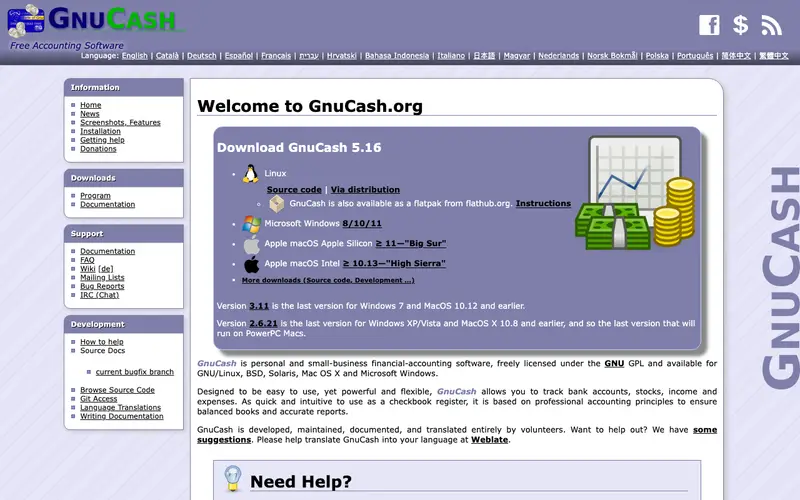
GnuCash is a free, open-source personal and small-business financial accounting software, developed by a dedicated community of volunteers under the GNU project. It implements a professional double-entry bookkeeping system, ensuring accuracy and comprehensive financial tracking for individual users and small enterprises. The primary workflow involves setting up accounts (assets, liabilities, income, expenses), manually entering transactions, and then generating various reports to understand financial health. It is available as a desktop application for Windows, macOS, and Linux, with experimental support for Android. Its most used feature is its robust transaction splitting and reconciliation tools, which mirror bank statements precisely. All data is stored locally on the user's computer in an XML or SQLite format, offering complete control and privacy without reliance on cloud services.
Editorial check
How this page is checked
Source trail
gnucash.org
External links are separated from Surfaced commentary.
Reader safety
Context before clicks
Product links and external services are not presented as guarantees.
Monetization
No affiliate flag
Ads and commerce links are kept distinct from editorial text.
Surfaced take
Why It’s Useful
GnuCash eliminates the high cost of proprietary accounting software and the privacy concerns associated with cloud-based solutions, offering a powerful, free, and open-source alternative. For the privacy-conscious individual who prefers desktop software and full data ownership, GnuCash provides a secure environment for managing personal finances. For a small business owner requiring professional-grade double-entry accounting without monthly fees, GnuCash offers robust features for invoicing, vendor tracking, and financial reporting. GnuCash is completely free and open-source, offering its full functionality without any hidden costs or premium tiers, making it genuinely useful for anyone. Compared to basic budgeting apps, GnuCash provides a more rigorous, professional accounting framework, winning on accuracy and comprehensive financial management, albeit with a steeper learning curve. A power feature is its ability to track investments, foreign currency transactions, and generate highly customizable financial reports like balance sheets and profit & loss statements. The learning curve is high; understanding double-entry bookkeeping concepts and navigating its desktop interface will likely take a non-technical person several hours to set up and master effectively.
In everyday life
When you’d actually reach for this
You might use GnuCash to track your spending for the month and see if you're sticking to your grocery budget. It's also helpful for splitting costs with roommates after a shared dinner out. You could also use it to manage reimbursements for a work trip.






Enjoyed this? Get five picks like this every morning.
Free daily newsletter — zero spam, unsubscribe anytime.