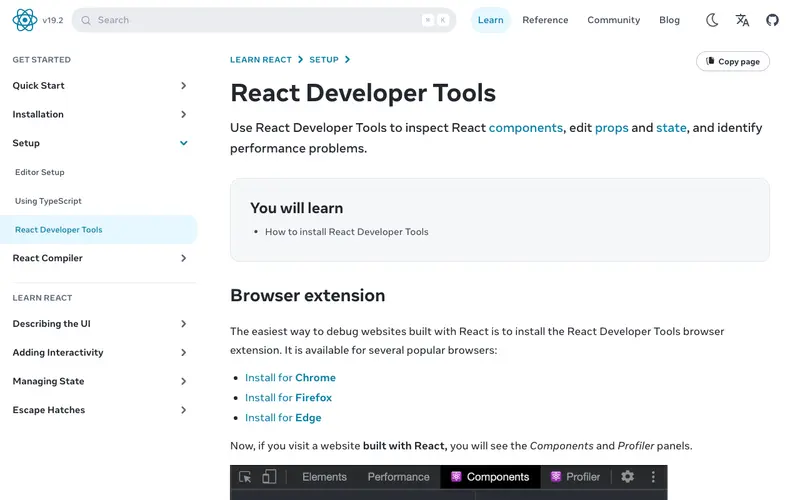
React Developer Tools is a browser extension for Chrome and Firefox that allows you to inspect and debug React component hierarchies, props, and state. It enables developers to efficiently identify performance bottlenecks, understand component relationships, and trace the flow of data within their React applications. This tool is an essential part of the React development workflow and is completely free to use.
Editorial check
How this page is checked
Source trail
react.dev
External links are separated from Surfaced commentary.
Reader safety
Context before clicks
Product links and external services are not presented as guarantees.
Monetization
No affiliate flag
Ads and commerce links are kept distinct from editorial text.
Surfaced take
Why It’s Useful
For any developer building applications with the React JavaScript library, React Developer Tools is indispensable. It provides unparalleled visibility into the virtual DOM, allowing for rapid troubleshooting and optimization. You can easily see how components are rendering, what props they are receiving, and what their internal state looks like at any given moment. This direct insight drastically reduces debugging time and helps in building more performant and robust applications. The ability to record performance profiles further aids in identifying and fixing slow-downs, making it a must-have for efficient React development.
In everyday life
When you’d actually reach for this
You're trying to figure out why a button isn't updating correctly on your personal blog. Later, you're helping a friend troubleshoot a small bug on their personal project before they share it.







Enjoyed this? Get five picks like this every morning.
Free daily newsletter — zero spam, unsubscribe anytime.