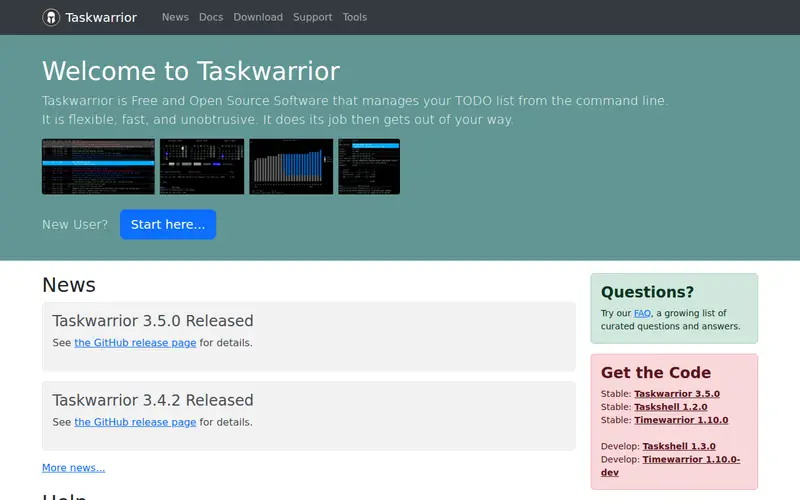
Taskwarrior is a powerful, flexible, and free open-source command-line tool for managing your to-do lists. It allows for complex task organization through tags, priorities, projects, and due dates, all manipulated via simple text commands. While it has a steeper learning curve than GUI applications, it offers unparalleled speed and efficiency for users comfortable in a terminal environment. It excels at rapid task entry, filtering, and modification without ever taking your hands off the keyboard. Taskwarrior is entirely free and its open-source nature means it's constantly being improved by its community.
Editorial check
How this page is checked
Source trail
taskwarrior.org
External links are separated from Surfaced commentary.
Reader safety
Context before clicks
Product links and external services are not presented as guarantees.
Monetization
No affiliate flag
Ads and commerce links are kept distinct from editorial text.
Surfaced take
Why It’s Useful
For developers, sysadmins, or anyone who spends significant time in the terminal, Taskwarrior provides an incredibly efficient way to manage tasks. Its command-line interface allows for lightning-fast task creation, updating, and querying. You can add a task with multiple attributes (project, tags, due date) in a single, concise command. The ability to filter and view tasks in numerous ways—by project, by tag, by urgency—ensures you always see exactly what you need. This avoids the context switching required with GUI apps and keeps you in your productive flow. It's a robust system that scales from simple personal lists to complex project management for those who value speed and customization.
In everyday life
When you’d actually reach for this
You're deep in a coding session and need to quickly add a reminder to fix a bug, mark a current task as complete, or view your top priority items. You can do all of this without leaving your terminal window, keeping your focus sharp.
See It In Action
“Manage all your tasks with TaskWarrior” — LinuxConfAu 2018 - Sydney, Australia, via YouTube. Picked by Surfaced as a walkthrough; not sponsored.


Enjoyed this? Get five picks like this every morning.
Free daily newsletter — zero spam, unsubscribe anytime.