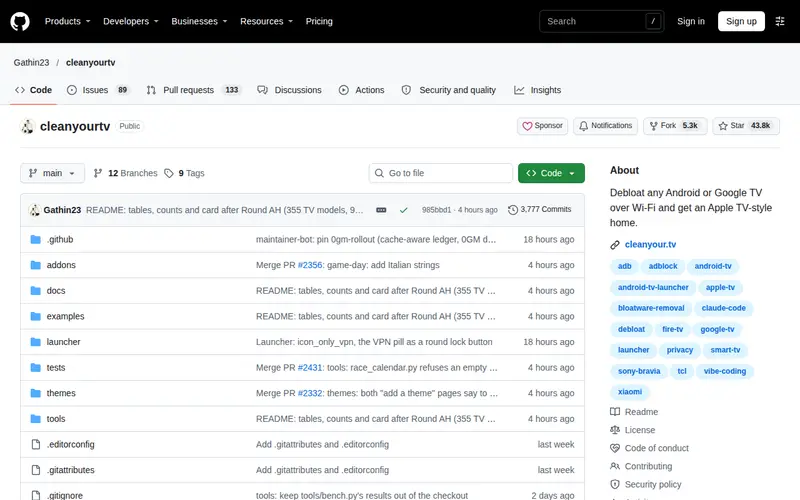
Cleanyourtv is a Python-based utility designed to debloat any Android or Google TV, transforming its user interface to resemble the cleaner, more streamlined experience of an Apple TV. It operates over Wi-Fi, allowing for remote management and cleanup of pre-installed bloatware and unnecessary applications that often clutter smart TV operating systems. This tool is particularly useful for users who find their TV's default interface slow or filled with unwanted apps and advertisements, offering a way to reclaim performance and simplify navigation.
Editorial check
How this page is checked
Source trail
github.com
External links are separated from Surfaced commentary.
Reader safety
Context before clicks
Product links and external services are not presented as guarantees.
Monetization
No affiliate flag
Ads and commerce links are kept distinct from editorial text.
Surfaced take
Why It’s Useful
This tool is a godsend for Android TV users frustrated by slow performance and an overwhelming interface. By removing unnecessary system apps and services, cleanyourtv can significantly improve the responsiveness and usability of your smart TV. The Apple TV-like interface it offers is a welcome aesthetic and functional upgrade for many. Its high star count on GitHub indicates strong community trust and widespread utility, making it a reliable choice for anyone looking to optimize their television experience without resorting to complex rooting procedures.
In everyday life
When you’d actually reach for this
Your smart TV feels sluggish, and you're bombarded with ads and apps you never use. You can use cleanyourtv to remotely clean up the system, making your TV faster and giving it a simple, clean interface that makes finding your favorite shows effortless.
Project signals
Is it still maintained?
- ★ 43.8K GitHub stars
- 5.3K forks
- Last commit Oct 28, 2026
From github.com/Gathin23/cleanyourtv, checked Oct 28, 2026.
See It In Action
“CleanYourTV — Remove TV Ads & Bloatware, Get an Apple TV-Style Home (Full Tutorial)” — Alta Media, via YouTube. Picked by Surfaced as a walkthrough; not sponsored.


Enjoyed this? Get five picks like this every morning.
Free daily newsletter — zero spam, unsubscribe anytime.