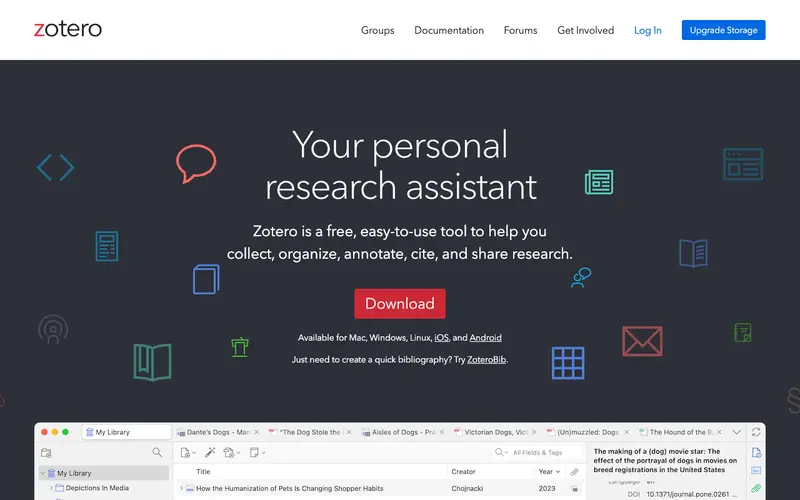
Zotero is a free, open-source reference management tool developed by the Corporation for Digital Scholarship. Its core feature is helping researchers, students, and academics collect, organize, cite, and share research sources from various platforms, including web pages, PDFs, and library catalogs. It was primarily built for anyone conducting research or writing academic papers, from high school students to seasoned professors. Users typically open Zotero when they find a relevant article or book to save its citation details, or when they are ready to generate a bibliography for a paper. It offers browser connectors for Chrome, Firefox, and Safari, integrates directly with word processors like Word, LibreOffice, and Google Docs, and syncs across desktop applications (Windows, macOS, Linux).
Editorial check
How this page is checked
Source trail
zotero.org
External links are separated from Surfaced commentary.
Reader safety
Context before clicks
Product links and external services are not presented as guarantees.
Monetization
No affiliate flag
Ads and commerce links are kept distinct from editorial text.
Surfaced take
Why It’s Useful
While proprietary tools like EndNote or RefWorks exist, Zotero stands out due to its powerful PDF annotation capabilities, robust tag system, and community-driven development, all completely free. For the graduate student juggling dozens of academic papers, Zotero efficiently pulls metadata, organizes documents, and generates citations in any style, saving countless hours. For the independent scholar building a bibliography on a niche topic, it provides a flexible way to capture diverse sources and create cross-referenced collections. Zotero is fully free and open-source; free cloud storage is limited (300 MB), but local storage is unlimited, and paid plans offer more sync space. Many users don't discover the ability to attach notes directly to PDFs and highlight/annotate within Zotero's built-in PDF reader. Its somewhat academic aesthetic and initial setup can be intimidating, leading some to opt for simpler, less powerful bookmarking tools. It boasts a strong community, active forums, and frequent updates, with numerous plugins extending its functionality.






Enjoyed this? Get five picks like this every morning.
Free daily newsletter — zero spam, unsubscribe anytime.