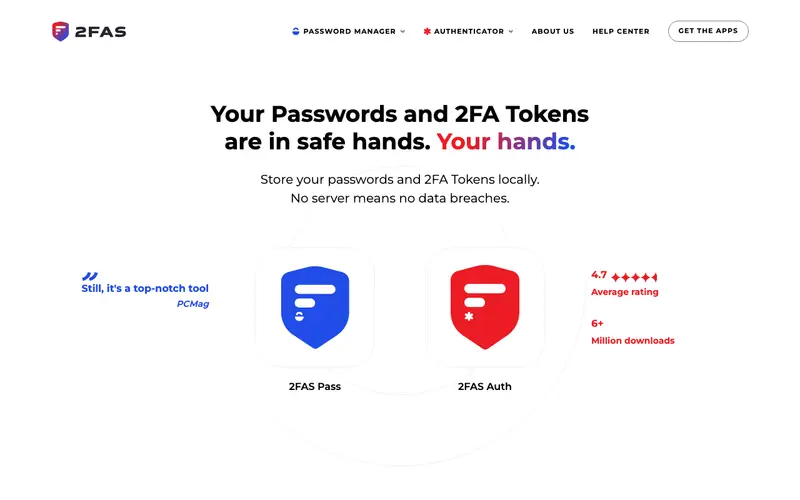
2FAS Authenticator is a free, open-source two-factor authentication (2FA) app developed by 2FAS, providing secure and easy-to-use time-based one-time passwords (TOTP) and HMAC-based one-time passwords (HOTP) for online accounts. The primary workflow involves scanning a QR code from a service (like Google, Facebook, or GitHub) to add it to the app, which then generates new codes every 30 seconds for secure login. It is available on iOS and Android devices, with extensions for Chrome, Firefox, and Edge for desktop access. Its most used feature is the seamless one-tap copying of generated codes, making login quick and efficient. The app offers optional encrypted cloud backup and synchronization across devices, giving users flexibility while maintaining security.
Editorial check
How this page is checked
Source trail
2fas.com
External links are separated from Surfaced commentary.
Reader safety
Context before clicks
Product links and external services are not presented as guarantees.
Monetization
No affiliate flag
Ads and commerce links are kept distinct from editorial text.
Surfaced take
Why It’s Useful
2FAS Authenticator eliminates the vulnerability of relying solely on passwords, significantly enhancing the security of all online accounts against phishing and credential stuffing attacks. For an individual managing numerous online services, it consolidates all 2FA codes into one organized place, simplifying the login process while adding a critical security layer. A remote worker can ensure secure access to company resources like VPNs or internal applications by using 2FAS Authenticator as a reliable second factor. The app is entirely free, offering unlimited tokens and cloud backup without any premium features or subscriptions, making it an excellent budget-friendly choice. It stands out from competitors like Google Authenticator by offering optional cloud sync and a more modern, user-friendly interface, alongside being open-source for transparency. A power feature is its ability to transfer tokens between devices via QR code, simplifying migration for advanced users. A non-technical person can easily set up their first 2FA token by scanning a QR code in well under 5 minutes.







Enjoyed this? Get five picks like this every morning.
Free daily newsletter — zero spam, unsubscribe anytime.