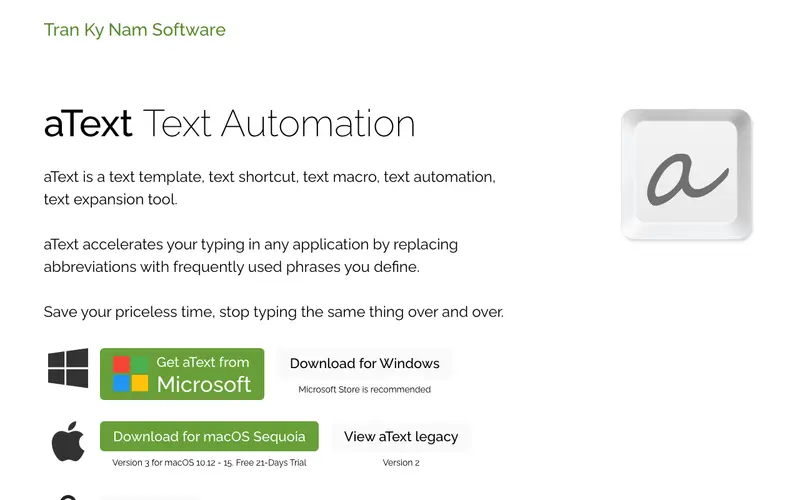
aText is a lightweight and powerful text expander application for macOS developed by Trankynam, designed to boost productivity by replacing abbreviations with frequently used phrases. Its core function is to store text snippets, images, and formatted text, which can then be inserted into any application by typing a short keyword. The primary workflow involves creating a new snippet, assigning it an abbreviation (e.g., 'emladd' for your email address), and then typing that abbreviation anywhere to expand it into the full content. It is a native application for macOS, supporting integration across virtually all applications. Users frequently utilize its dynamic snippets feature, which can insert current date, time, or other variables automatically. Snippets are stored locally on your Mac, with options for iCloud or Dropbox sync to keep them consistent across devices.
Editorial check
How this page is checked
Source trail
trankynam.com
External links are separated from Surfaced commentary.
Reader safety
Context before clicks
Product links and external services are not presented as guarantees.
Monetization
No affiliate flag
Ads and commerce links are kept distinct from editorial text.
Surfaced take
Why It’s Useful
aText eliminates the repetitive typing of common phrases, email templates, code snippets, or contact information, drastically speeding up daily communication. For a customer support agent, it allows them to quickly insert canned responses to common queries, ensuring consistency and reducing response times. For a developer, it's perfect for expanding complex code blocks or common syntax with just a few keystrokes. aText is a one-time purchase, offering full functionality without subscriptions after a free trial, making it a genuinely useful investment. Unlike browser-specific extensions, aText works system-wide in any application, providing universal productivity gains. Its power feature is the ability to create nested snippets and use JavaScript for highly dynamic text generation, catering to advanced workflows. A non-technical person can easily set up their first few abbreviations in under 5 minutes.
In everyday life
When you’d actually reach for this
You're sending out your weekly budget update and need to type out the same intro and disclaimer for the fifth time. You're also coordinating a group trip and constantly retyping directions to the meeting spot.







Enjoyed this? Get five picks like this every morning.
Free daily newsletter — zero spam, unsubscribe anytime.