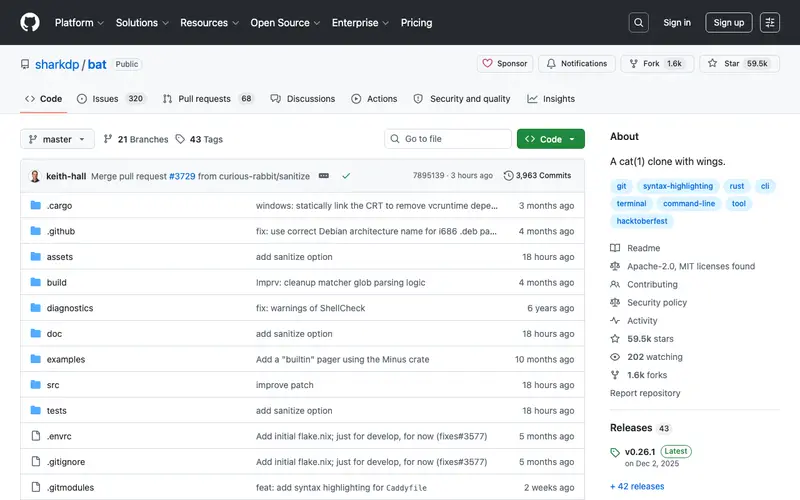
bat is a `cat` clone with wings, an open-source project primarily developed by sharkdp. Its core feature is displaying file contents with syntax highlighting, Git integration, and automatic paging, making it a superior alternative for viewing code and text files. It was designed for developers, system administrators, and anyone who frequently views text-based files in the terminal. Users typically invoke bat when they need to quickly preview a script, configuration file, or log without opening a full editor, benefiting from its readability enhancements. It functions as a standalone command-line utility and integrates with shell aliases and Git commands.
Editorial check
How this page is checked
Source trail
github.com
External links are separated from Surfaced commentary.
Reader safety
Context before clicks
Product links and external services are not presented as guarantees.
Monetization
No affiliate flag
Ads and commerce links are kept distinct from editorial text.
Surfaced take
Why It’s Useful
bat significantly enhances the experience of viewing files compared to the standard `cat` or `less` commands by providing immediate visual context. For a developer reviewing a colleague's code snippet, bat instantly highlights syntax and shows Git modifications, making it much faster to grasp changes than plain text. A system administrator debugging a server issue can quickly view log files with relevant lines highlighted, improving comprehension and reducing eye strain. bat is entirely free and open-source, supported by community contributions. A powerful but often overlooked feature is its ability to show non-printable characters or line numbers, which is incredibly useful for debugging whitespace issues. Despite its clear advantages, many users stick with `cat` out of habit or simply aren't aware of a better alternative for basic file viewing. It has an active community on GitHub, receives consistent updates, and supports a wide range of languages.





Enjoyed this? Get five picks like this every morning.
Free daily newsletter — zero spam, unsubscribe anytime.