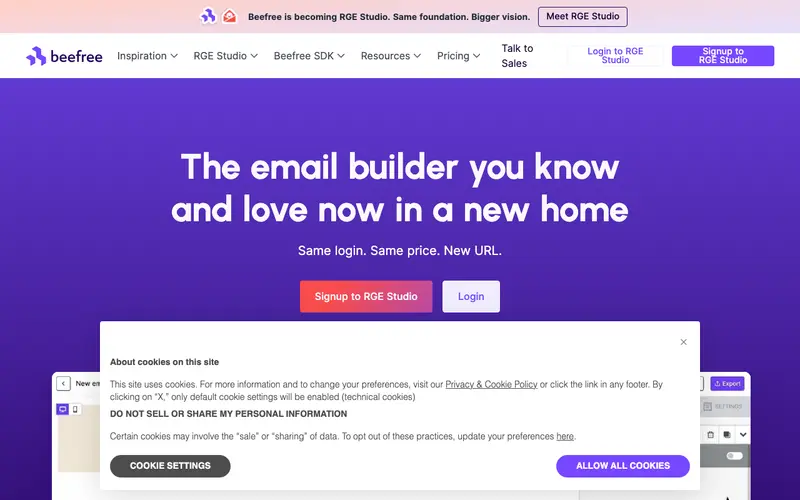
BEE Free is a popular online drag-and-drop email and landing page builder provided by BEE, part of MailUp Group, designed to help anyone create beautiful, responsive designs without needing coding knowledge. It offers an intuitive visual editor, a wide selection of customizable templates, and content blocks to build professional emails for newsletters, promotions, or transactional messages. BEE Free is a web-based platform that operates entirely within your browser, allowing for easy access and template export to various email service providers. The most used feature is its simplicity; users can quickly assemble emails by dragging and dropping elements like text, images, and buttons onto the canvas. All created templates are stored locally in your browser or can be downloaded as HTML, with no personal data collection by BEE Free itself.
Editorial check
How this page is checked
Source trail
beefree.io
External links are separated from Surfaced commentary.
Reader safety
Context before clicks
Product links and external services are not presented as guarantees.
Monetization
No affiliate flag
Ads and commerce links are kept distinct from editorial text.
Surfaced take
Why It’s Useful
BEE Free eliminates the hurdle of complex HTML coding or expensive design software for creating visually appealing email campaigns. For the small business owner, it's a perfect tool to design engaging weekly newsletters or special offer announcements in minutes, without needing a dedicated designer. A non-profit volunteer can use BEE Free to craft professional-looking donation requests or event invitations, ensuring their message stands out. The tool is entirely free to use, offering full functionality for building and exporting HTML emails, making it incredibly useful for anyone. While Stripo offers more advanced features like AMP email and team collaboration, BEE Free wins on its sheer accessibility and zero-cost entry for basic yet effective email design. A power feature is the "mobile preview" option, which allows users to instantly see how their email will look on different devices, ensuring responsiveness. A non-technical person can easily pick up the drag-and-drop interface and create their first email in under 5 minutes.





Enjoyed this? Get five picks like this every morning.
Free daily newsletter — zero spam, unsubscribe anytime.