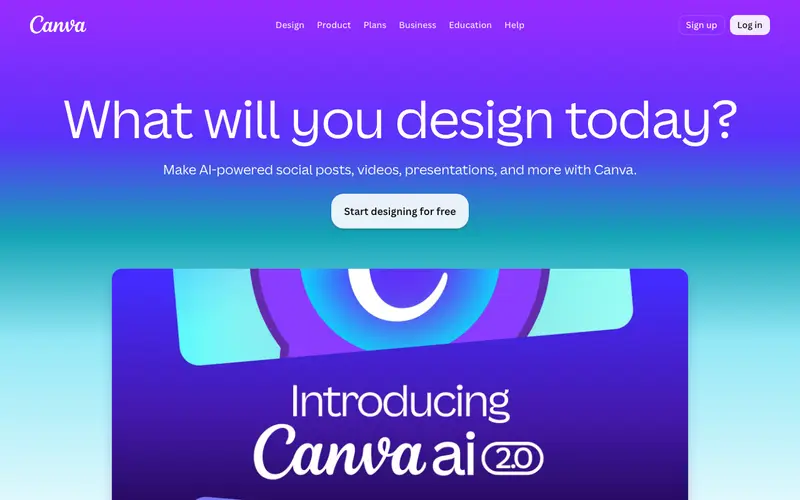
Canva is a popular online graphic design platform, developed by Canva Pty Ltd, that empowers users to create a wide range of visual content, including social media graphics, presentations, posters, and increasingly, email templates and signatures. It offers a vast library of templates, stock photos, fonts, and design elements, making professional design accessible to non-designers. The primary workflow involves selecting a template for an email signature or newsletter, then customizing it with drag-and-drop functionality, personalizing text, images, and branding colors. Canva is a web-based application, with robust mobile apps for iOS and Android, and desktop apps for Windows and Mac, ensuring design flexibility across devices. Its most used feature is its intuitive drag-and-drop editor, allowing anyone to create visually appealing designs quickly. All user designs and uploaded assets are stored securely in the cloud, facilitating collaboration and access from anywhere.
Editorial check
How this page is checked
Source trail
canva.com
External links are separated from Surfaced commentary.
Reader safety
Context before clicks
Product links and external services are not presented as guarantees.
Monetization
No affiliate flag
Ads and commerce links are kept distinct from editorial text.
Surfaced take
Why It’s Useful
Canva democratizes design, eliminating the need for expensive software or specialized skills to create compelling visual content, including polished email signatures and engaging newsletters. For the small business owner, it enables the creation of professional marketing materials, including branded email footers and promotional email graphics, without hiring a designer. For the community manager, it provides an easy way to design eye-catching email headers and newsletter layouts to boost engagement with their audience. The free tier is incredibly powerful, offering extensive templates and features, making it genuinely useful for most personal and small business needs, while Pro unlocks premium assets and advanced features. Compared to traditional design software like Adobe Photoshop, Canva wins with its unparalleled ease of use, vast template library, and collaborative features for quick design iterations. A power feature is the "Brand Kit," allowing Pro users to store their brand colors, fonts, and logos for consistent application across all designs. A non-technical person can create a beautiful email signature or simple newsletter graphic in under 5 minutes.







Enjoyed this? Get five picks like this every morning.
Free daily newsletter — zero spam, unsubscribe anytime.