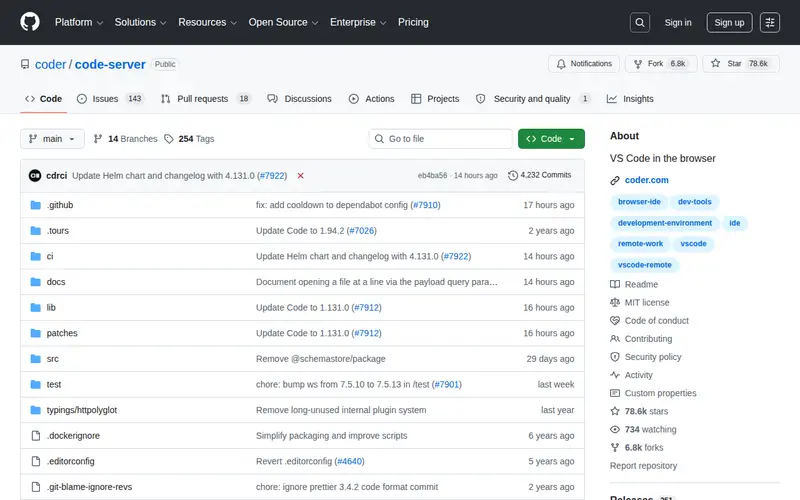
Code-Server Browser is a web application that allows you to run Visual Studio Code (VS Code) directly within your web browser, powered by the `codercom/code-server` project. It essentially turns any remote server or even a local machine into a VS Code instance accessible from anywhere. This is achieved by installing `code-server` on the target machine and then accessing it via a web browser. It's ideal for developers who need to access their development environment from different devices or work on machines with limited local software installation capabilities. You can edit code, run terminals, and use extensions just like you would in a desktop VS Code.
Editorial check
How this page is checked
Source trail
github.com
External links are separated from Surfaced commentary.
Reader safety
Context before clicks
Product links and external services are not presented as guarantees.
Monetization
No affiliate flag
Ads and commerce links are kept distinct from editorial text.
Surfaced take
Why It’s Useful
While VS Code itself is immensely popular, the ability to run it seamlessly in a browser on any remote machine is a powerful, yet often overlooked, capability. Code-Server Browser makes full-featured VS Code accessible without needing to install it locally, which is a game-changer for developers who switch between machines, use public cloud instances, or work on tablets. Its strength lies in providing a consistent and powerful development environment anywhere. It bridges the gap between local and remote development, offering the familiarity of VS Code with the flexibility of web access. This is particularly beneficial for teams with diverse hardware or those needing quick, on-demand development setups without complex configurations. Developers seeking a portable and robust coding environment will find this immensely useful.
In everyday life
When you’d actually reach for this
You need to quickly fix a small bug on the company server while on vacation. You can also set up a shared coding environment for a weekend hackathon project without installing anything locally. It's useful for revisiting those articles you bookmarked to read later, but actually coding on them.
Project signals
Is it still maintained?
- ★ 79.7K GitHub stars
- 6.9K forks
- Last commit Oct 28, 2026
- MIT license
From github.com/codercom/code-server, checked Oct 28, 2026.


Enjoyed this? Get five picks like this every morning.
Free daily newsletter — zero spam, unsubscribe anytime.