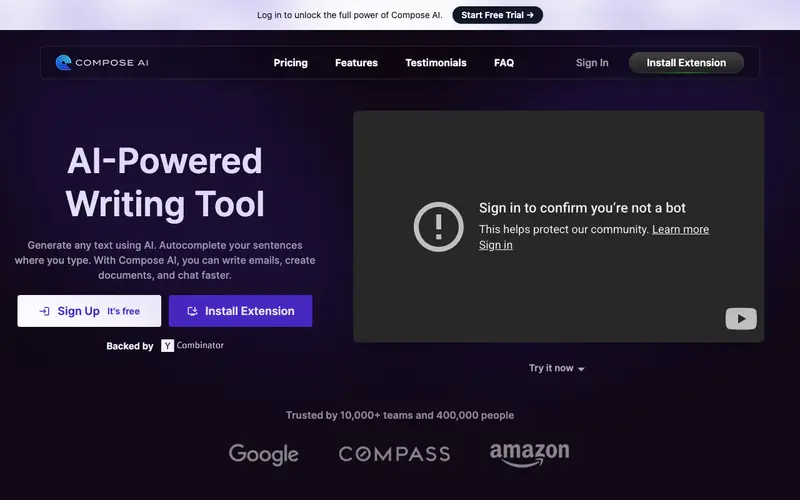
Compose AI, developed by Compose Labs, is an AI-powered writing assistant available as a browser extension that automates and enhances writing across various online platforms. It uses artificial intelligence to complete sentences, rephrase text, and generate full emails or messages based on context. The primary workflow involves simply typing in any text field online, where Compose AI will offer real-time suggestions, auto-completions, or allow you to use a prompt to generate content. It functions as a browser extension for Chrome, Edge, and Brave, making it widely accessible across web applications. Its most used feature is "Compose," which generates entire sentences or paragraphs from a short prompt, significantly speeding up drafting. Data is processed locally on the user's device for real-time suggestions, with some anonymized usage data sent to the cloud for model improvement, but personal content remains private.
Editorial check
How this page is checked
Source trail
compose.ai
External links are separated from Surfaced commentary.
Reader safety
Context before clicks
Product links and external services are not presented as guarantees.
Monetization
No affiliate flag
Ads and commerce links are kept distinct from editorial text.
Surfaced take
Why It’s Useful
It eliminates the inefficiency of repetitive typing and the mental effort required for crafting routine messages, boosting productivity significantly. For the customer support agent, Compose AI can instantly generate empathetic and clear responses to common queries, improving service speed and quality. For the professional managing numerous emails, it can draft entire replies or complete sentences, allowing them to clear their inbox faster and focus on critical tasks. The free tier offers 1,000 auto-completions per month and basic features, which is genuinely useful for everyday email and message drafting. Compared to built-in email smart replies, Compose AI wins with its deeper contextual understanding, advanced rephrasing capabilities, and ability to generate longer, more complex content on demand. A power feature is its custom shortcuts for frequently used phrases or entire email templates, accessible with just a few keystrokes. A non-technical person can install the extension and start using its core features in under 2 minutes.







Enjoyed this? Get five picks like this every morning.
Free daily newsletter — zero spam, unsubscribe anytime.