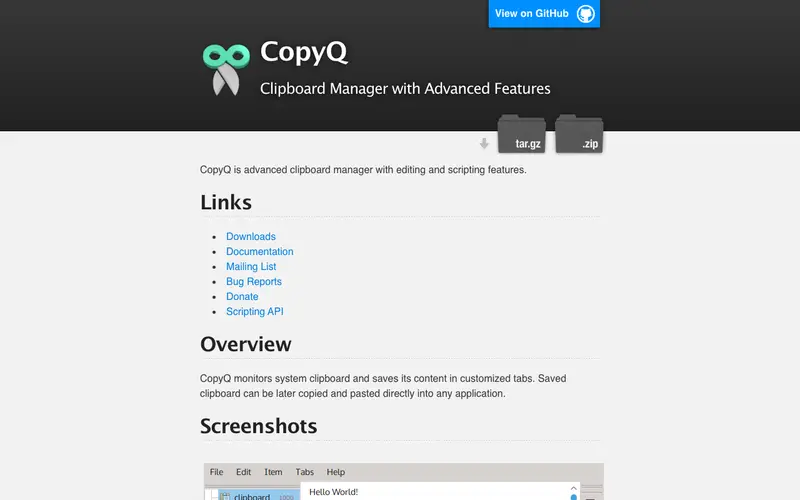
CopyQ is an advanced, open-source clipboard manager with editing and scripting capabilities, developed by Jan Kratochvil, designed to store, manage, and retrieve an extensive history of clipboard items. It supports a primary workflow where users copy text, images, and other data, and CopyQ automatically saves them, allowing retrieval from a tabbed, searchable history accessible via a customizable hotkey. This feature-rich application is available across Windows, macOS, and Linux, providing consistent and powerful clipboard management. Its most distinguishing feature is its robust scripting engine, which allows users to automate actions on clipboard content, transforming or manipulating text on the fly. All clipboard history and configurations are stored locally in an SQLite database, ensuring data privacy and rapid access.
Editorial check
How this page is checked
Source trail
hluk.github.io
External links are separated from Surfaced commentary.
Reader safety
Context before clicks
Product links and external services are not presented as guarantees.
Monetization
No affiliate flag
Ads and commerce links are kept distinct from editorial text.
Surfaced take
Why It’s Useful
CopyQ effectively eliminates the constraint of a single-item clipboard, preventing data loss and dramatically speeding up tasks involving repetitive data handling. For the content editor who frequently reorders paragraphs, applies specific formatting, or collects quotes from various sources, CopyQ offers unparalleled flexibility in managing and manipulating text snippets. For the developer, it means easily organizing frequently used code blocks, error messages, and API endpoints into separate tabs for quick retrieval and even applying transformations before pasting. CopyQ is entirely free and open-source, providing its full, comprehensive feature set without any cost, making it an incredibly powerful tool for advanced users. Compared to simpler clipboard managers, CopyQ wins with its tabbed interface, powerful search filters, and extensive scripting capabilities, making it more akin to a clipboard power-suite. A power feature is the ability to create custom commands that can process selected clipboard items, such as translating text or converting case with a single click. While basic usage is intuitive, mastering CopyQ's scripting and advanced features requires a willingness to explore its configuration options.






Enjoyed this? Get five picks like this every morning.
Free daily newsletter — zero spam, unsubscribe anytime.