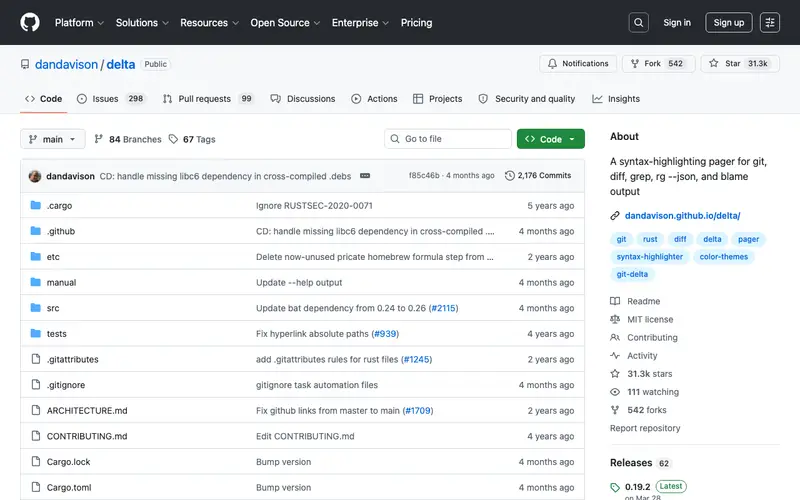
delta is a viewer for git and diff output, an open-source project developed by dandavison. It enhances `git diff` output with syntax highlighting, line numbers, side-by-side views, and a merge conflict editor, making code changes much easier to read and understand. The tool is primarily built for developers and code reviewers who frequently interact with Git, aiming to improve the readability and efficiency of reviewing code changes. It fits into a workflow whenever a user runs `git diff`, `git log -p`, or needs to resolve a merge conflict, providing a superior visual representation of changes compared to raw Git output. delta is a standalone binary available for Linux, macOS, and Windows, and is primarily configured as a pager for Git.
Editorial check
How this page is checked
Source trail
github.com
External links are separated from Surfaced commentary.
Reader safety
Context before clicks
Product links and external services are not presented as guarantees.
Monetization
No affiliate flag
Ads and commerce links are kept distinct from editorial text.
Surfaced take
Why It’s Useful
While `git diff` provides the core functionality, delta significantly surpasses it by offering syntax highlighting, a side-by-side view, and robust customization, transforming a often-dreaded task into a pleasant and efficient one. For the lead developer reviewing a large pull request, delta allows them to quickly spot subtle changes, understand the context of modified lines with syntax highlighting, and make informed decisions during code review. A junior developer learning a new codebase can use delta to better understand the history of changes by viewing `git log -p` output in a more readable format, making it easier to grasp code evolution. delta is completely free and open-source, maintained by its creator and a strong community. A powerful feature often overlooked is its ability to act as a merge conflict editor, presenting conflicting regions in an intuitive, highlighted format, making manual conflict resolution much less painful. Its lack of widespread adoption comes from many developers being accustomed to the default `git diff` output or relying on their IDE's built-in diff viewer, without realizing the significant CLI enhancement delta offers. delta has an active GitHub repository, a supportive community, and receives regular updates, ensuring continuous improvement and feature additions.







Enjoyed this? Get five picks like this every morning.
Free daily newsletter — zero spam, unsubscribe anytime.