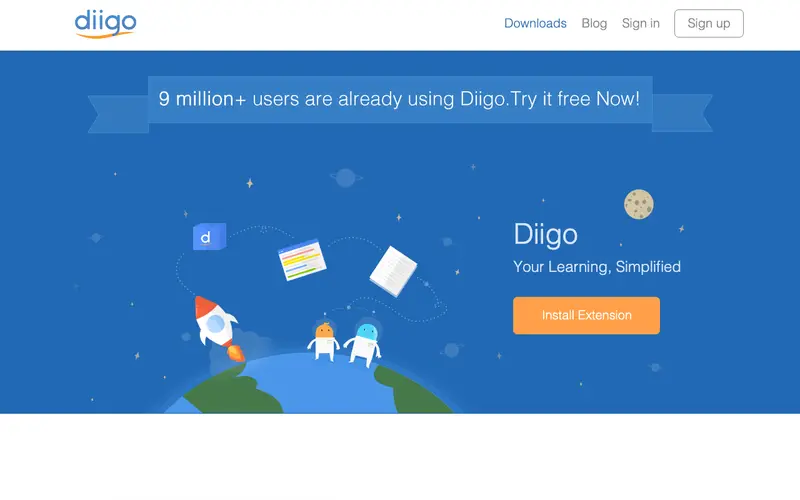
Diigo, developed by Diigo, Inc., is a powerful social bookmarking and web annotation tool that allows users to save, highlight, and add sticky notes to web pages, then share them with others. It functions as a personal knowledge management system, enabling users to build an annotated library of web resources that can be accessed from anywhere. The primary workflow involves installing its browser extension, highlighting text directly on a web page, adding comments, and then saving the annotated page to a personal library or sharing it with groups. It works on web, iOS, Android, and as a robust browser extension for Chrome, Firefox, Edge, and Safari. Its most used feature is its "highlight and sticky note" functionality, which lets you interact directly with web content. Diigo stores all your bookmarks, highlights, and notes in the cloud, facilitating collaborative research and learning.
Editorial check
How this page is checked
Source trail
diigo.com
External links are separated from Surfaced commentary.
Reader safety
Context before clicks
Product links and external services are not presented as guarantees.
Monetization
No affiliate flag
Ads and commerce links are kept distinct from editorial text.
Surfaced take
Why It’s Useful
Diigo eliminates the problem of losing track of important information on web pages and the inability to easily collaborate on research with others. For the academic researcher, Diigo is indispensable for annotating dozens of scholarly articles, creating a detailed record of key passages and personal insights, which can then be easily retrieved for literature reviews. A team manager can use it to share important industry news or project specifications with their team, highlighting critical sections and adding notes for discussion, streamlining communication. The free tier is genuinely useful, offering unlimited bookmarks, highlights, and sticky notes, with limitations on full-page archiving and ads; premium removes these. Unlike simple bookmark managers, Diigo wins with its integrated social features and direct web annotation capabilities, turning passive reading into active engagement. Its "Outliner" power feature allows advanced users to structure their notes and highlights into an organized outline, making it perfect for preparing presentations or reports. A non-technical person can set up the browser extension and start highlighting in under 2 minutes.







Enjoyed this? Get five picks like this every morning.
Free daily newsletter — zero spam, unsubscribe anytime.