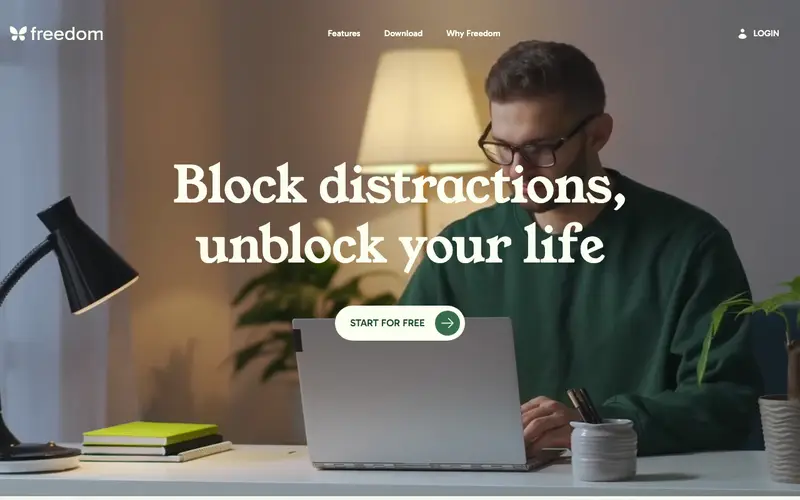
Freedom is a digital well-being application developed by Freedom.to, designed to block distracting websites and apps across all your devices, helping you focus and be more productive. It allows users to schedule focused work sessions where specific websites, applications, or even the entire internet are inaccessible. The service runs across a wide array of platforms including macOS, Windows, iOS, Android, and as a browser extension for Chrome, Firefox, and Edge. Its most used feature is the ability to start a 'Freedom session' with a single click, instantly blocking distractions. Freedom operates on a cloud-synced model, ensuring that your blocking sessions and custom blocklists are consistent across all logged-in devices.
Editorial check
How this page is checked
Source trail
freedom.to
External links are separated from Surfaced commentary.
Reader safety
Context before clicks
Product links and external services are not presented as guarantees.
Monetization
No affiliate flag
Ads and commerce links are kept distinct from editorial text.
Surfaced take
Why It’s Useful
Freedom eliminates the pervasive problem of digital distractions, preventing users from mindlessly browsing social media or news sites when they should be concentrating on important tasks. For the student preparing for exams, Freedom can block all social media and gaming apps during study hours, ensuring uninterrupted learning. For the professional working on a critical report, it can enforce deep work sessions by blocking all non-essential websites and email clients, boosting output. While it offers a free trial, the full functionality requires a paid subscription, which is genuinely useful for those committed to serious focus. Compared to system-level blockers, Freedom offers cross-device syncing and a more robust, 'unbreakable' blocking mechanism, making it superior for habit change. A power feature is 'Locked Mode,' which prevents you from ending a session prematurely, reinforcing discipline. The learning curve is minimal; a non-technical person can set up their first blocking session in under 5 minutes.





Enjoyed this? Get five picks like this every morning.
Free daily newsletter — zero spam, unsubscribe anytime.