Photo via Pexels
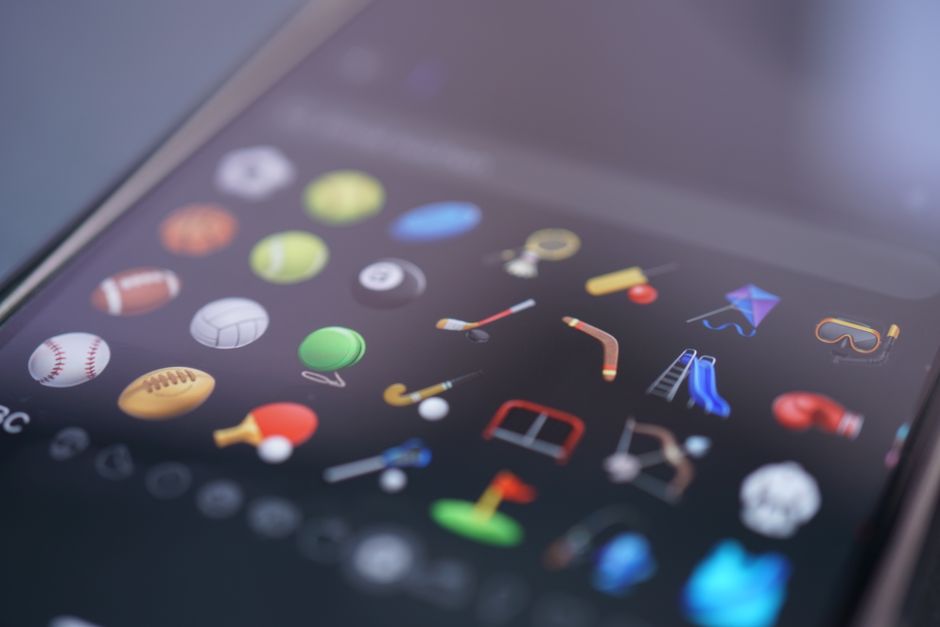
Glyphboard is a lightweight macOS utility developed by Josh P. as a specialized clipboard manager focused on quickly finding and inserting emojis, symbols, and special characters. It provides a searchable database of thousands of glyphs, far beyond what the standard emoji picker offers, making it easy to enhance your text with unique characters. The primary workflow involves activating Glyphboard via its menu bar icon or a hotkey, typing a search term (e.g., "star", "arrow"), and then clicking on the desired glyph to copy it to your clipboard for immediate pasting. It is exclusively available for macOS. Its most used feature is its instant search and copy function for virtually any unicode character or emoji. Glyphboard stores its preferences locally and does not collect any user data.
Editorial check
How this page is checked
Source trail
Editorial source pending
External links are separated from Surfaced commentary.
Reader safety
Context before clicks
Product links and external services are not presented as guarantees.
Monetization
No affiliate flag
Ads and commerce links are kept distinct from editorial text.
Surfaced take
Why It’s Useful
Glyphboard eliminates the tedious process of navigating through complex character maps or memorizing obscure keyboard shortcuts for special symbols. For the social media manager, it provides immediate access to a vast array of emojis and decorative symbols to make posts more engaging and visually distinct. For the technical writer or academic, it offers a quick way to insert mathematical symbols, arrows, or unique typographic characters into documents, improving clarity and professionalism. Glyphboard is available for a one-time purchase, offering a free trial period that is genuinely useful for evaluating its comprehensive character library. Compared to the built-in macOS Character Viewer, Glyphboard offers a significantly faster search, more intuitive interface, and better organization, making it far more efficient for frequent use. A power feature is the ability to mark favorite glyphs for even quicker access, creating a personalized collection of frequently used symbols. The learning curve is extremely low; its search and click interface is intuitive, and a non-technical person can set it up and start using it in under 2 minutes.





Enjoyed this? Get five picks like this every morning.
Free daily newsletter — zero spam, unsubscribe anytime.