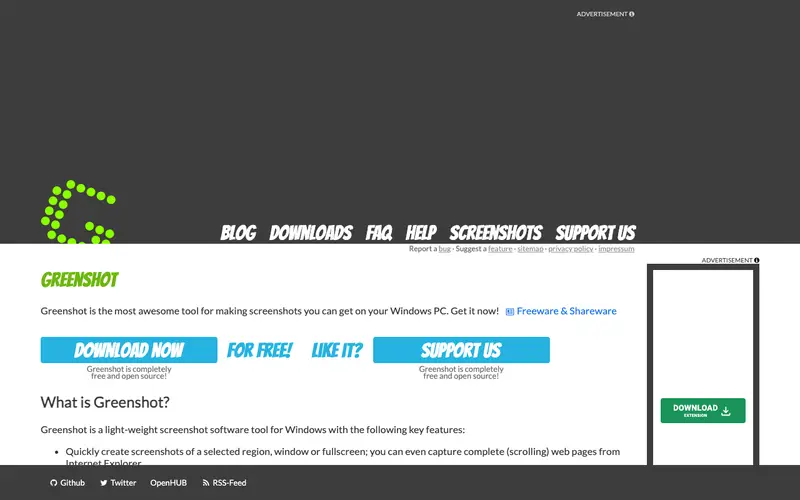
Greenshot, developed by Greenshot, is a free and open-source screenshot software exclusively for Windows, lauded for its lightweight footprint and powerful annotation capabilities. It allows users to quickly capture a selected region, window, or full screen, and then immediately open the capture in a comprehensive image editor. The primary workflow involves pressing a hotkey, selecting the desired capture area, and then using the built-in editor to add text, arrows, highlights, and obfuscation before saving, printing, or exporting to various applications. It is available only as a desktop application for Microsoft Windows. Its most used feature is its highly intuitive and feature-rich image editor, which allows for precise and quick annotations. All screenshots are saved locally by default, with options to directly send them to Microsoft Office programs, upload to image hosting sites, or copy to the clipboard.
Editorial check
How this page is checked
Source trail
getgreenshot.org
External links are separated from Surfaced commentary.
Reader safety
Context before clicks
Product links and external services are not presented as guarantees.
Monetization
No affiliate flag
Ads and commerce links are kept distinct from editorial text.
Surfaced take
Why It’s Useful
Greenshot eliminates the need for heavy, feature-bloated image editors for simple screenshot annotations, providing a fast and efficient solution for Windows users. For the software tester, it's perfect for capturing bugs, highlighting specific UI elements with arrows and text, and directly attaching them to bug reports. For the student, it simplifies taking notes from online lectures or articles by capturing relevant sections, adding highlights, and then pasting them into their study documents. Greenshot is completely free and open-source, offering its full functionality without any limitations or paid upgrades, making it an excellent value. It surpasses the built-in Windows Snipping Tool with its more advanced editing capabilities, including automatic numbering of annotations and obfuscation of sensitive data. A power feature is its ability to perform OCR (Optical Character Recognition) on screenshots, allowing users to extract text from images. The learning curve is very low; most users will be proficient with its capture and annotation features within minutes of installation.





Enjoyed this? Get five picks like this every morning.
Free daily newsletter — zero spam, unsubscribe anytime.