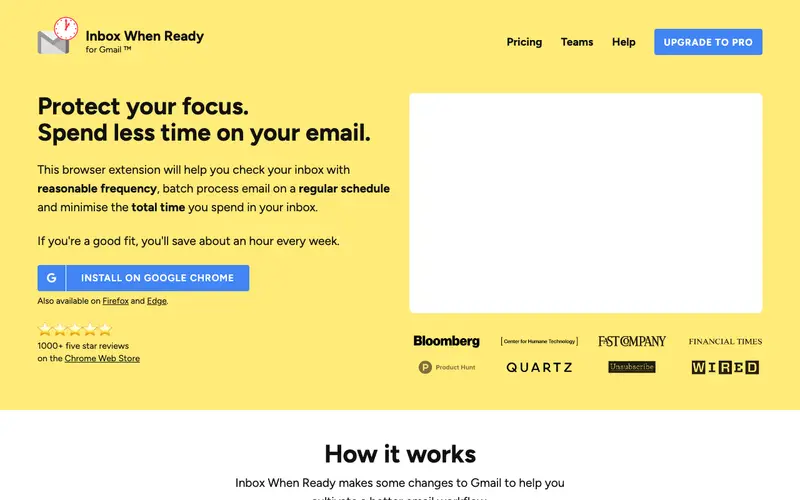
Inbox When Ready is a simple yet powerful browser extension created by a solo developer focused on improving email focus and reducing distractions. Its core feature automatically hides your Gmail inbox by default, displaying it only when you explicitly click a button, thus preventing constant interruptions from new messages. This tool is primarily built for knowledge workers, remote employees, and anyone struggling with the addictive nature of their email inbox and seeking to reclaim their focus. Users are triggered to install Inbox When Ready when they notice their productivity suffering from incessant inbox checking and wish to control when they see new emails. It works exclusively as a browser extension for Chrome, Firefox, and Edge, integrating directly into the Gmail web interface.
Editorial check
How this page is checked
Source trail
inboxwhenready.org
External links are separated from Surfaced commentary.
Reader safety
Context before clicks
Product links and external services are not presented as guarantees.
Monetization
No affiliate flag
Ads and commerce links are kept distinct from editorial text.
Surfaced take
Why It’s Useful
Inbox When Ready provides a direct and effective solution to email distraction, offering a psychological barrier to constant checking that's more robust than simply closing a tab or using a "Do Not Disturb" mode. For the software engineer, it ensures deep work sessions are not interrupted by client requests or internal discussions, allowing them to remain in a flow state for longer periods. For the writer or researcher, it creates a dedicated space for creative output, ensuring their concentration isn't broken by the allure of a new email notification. It offers a free tier with basic inbox hiding functionality, while a paid "Pro" version unlocks features like scheduling inbox display times and a timer for focused work sessions. A key feature often not fully utilized initially is the "budget timer," which allows you to set a time limit for how long your inbox remains visible, encouraging disciplined email processing. It's not more popular because its effectiveness relies on a behavioral change from the user, which many find difficult to commit to, and it's a subtle tool rather than a flashy new email client. The developer actively maintains the extension, providing updates and responding to user feedback, ensuring compatibility with Gmail's interface changes.
In everyday life
When you’d actually reach for this
You need to block out an hour to finally plan your family's summer vacation without the lure of incoming messages. Or perhaps you're trying to finish a complex report before a deadline and want to avoid checking your email every few minutes.






Enjoyed this? Get five picks like this every morning.
Free daily newsletter — zero spam, unsubscribe anytime.