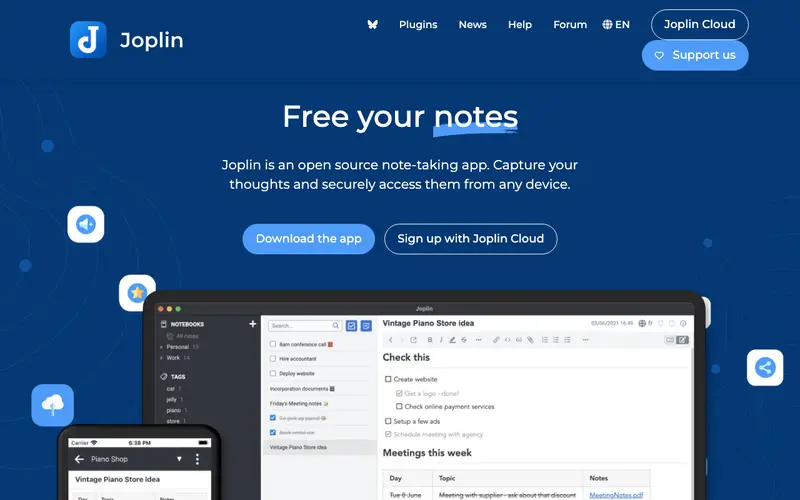
Joplin is a free, open-source note-taking and to-do application, created by Laurent Cozic and maintained by a community of contributors. Its core feature is the ability to create, organize, and sync notes written in Markdown across multiple devices, supporting notebooks, tags, and powerful search. It's primarily designed for individuals and professionals who value data ownership, privacy, and flexibility in their note-taking system, especially those who prefer plain text and markdown. Users typically open Joplin to capture fleeting thoughts, organize research, manage project tasks, or maintain a personal knowledge base, triggered by the need to record information securely and reliably. Joplin offers robust synchronization options including Nextcloud, Dropbox, OneDrive, WebDAV, and local filesystem, and features a command-line client, web clipper, and rich plugin API.
Editorial check
How this page is checked
Source trail
joplinapp.org
External links are separated from Surfaced commentary.
Reader safety
Context before clicks
Product links and external services are not presented as guarantees.
Monetization
No affiliate flag
Ads and commerce links are kept distinct from editorial text.
Surfaced take
Why It’s Useful
Joplin stands as a powerful, private alternative to mainstream note apps like Evernote or Notion, offering end-to-end encryption and full control over your data storage. For the academic researcher, Joplin is ideal for compiling vast amounts of research notes, linking them together, and ensuring they are securely backed up and accessible from any device. For the developer, it serves as an excellent personal wiki or code snippet manager, allowing them to quickly search and reference technical information with robust markdown rendering. Joplin is completely free and open-source, with optional paid services like Joplin Cloud for simplified syncing. A standout feature often discovered later is its powerful 'Note Attachments' functionality, allowing users to embed various file types directly into notes, making it a comprehensive digital archive. Its lower popularity compared to corporate alternatives stems from its less polished initial UI and the requirement for users to set up their own sync targets, which can be a minor barrier for less tech-savvy individuals. Joplin benefits from a very active community forum, a growing plugin ecosystem that extends its functionality significantly, and frequent updates.





Enjoyed this? Get five picks like this every morning.
Free daily newsletter — zero spam, unsubscribe anytime.