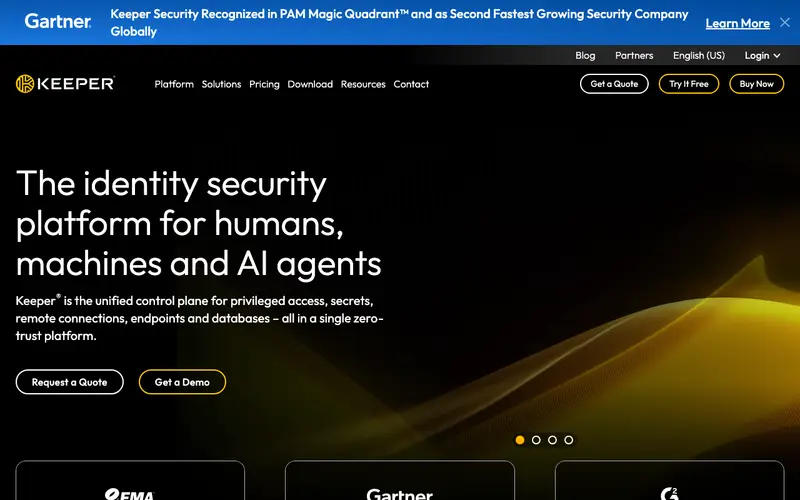
Keeper Security is an enterprise-grade password manager and cybersecurity platform developed by Keeper Security, Inc., offering robust solutions for individuals, families, and businesses to protect their digital assets. Its core function is to provide a highly secure, zero-knowledge encrypted vault for passwords, files, and sensitive information, coupled with advanced security features like breach monitoring and secure file storage. Keeper is available across virtually all platforms including web, iOS, Android, Windows, Mac, Linux, and comprehensive browser extensions for Chrome, Firefox, Edge, Safari, and Opera. The most used feature is its "Security Audit," which provides an immediate assessment of your password strength and identifies compromised credentials. All data is encrypted on your device using 256-bit AES encryption before being stored in Keeper's secure cloud infrastructure, ensuring only you can decrypt your information.
Editorial check
How this page is checked
Source trail
keepersecurity.com
External links are separated from Surfaced commentary.
Reader safety
Context before clicks
Product links and external services are not presented as guarantees.
Monetization
No affiliate flag
Ads and commerce links are kept distinct from editorial text.
Surfaced take
Why It’s Useful
Keeper Security eliminates the vulnerabilities of manual password management and provides a holistic defense against phishing, malware, and credential theft across all user types. For the small business owner, it offers secure employee password sharing and role-based access controls, streamlining onboarding and offboarding while maintaining security. For the individual with high-value digital assets, its secure file storage and encrypted messaging capabilities add layers of protection beyond just passwords. While there is a limited free trial, the full power of Keeper is realized with a paid subscription, which is genuinely useful for its comprehensive feature set. Compared to LastPass, Keeper offers a more extensive suite of security features, including secure file storage and compliance certifications, appealing to users with more stringent security requirements. A power feature is its integration with hardware security keys like YubiKey and support for various multi-factor authentication methods, enhancing security significantly. Its setup is professional and guided, allowing a non-technical person to secure their first passwords within 5-7 minutes.







Enjoyed this? Get five picks like this every morning.
Free daily newsletter — zero spam, unsubscribe anytime.