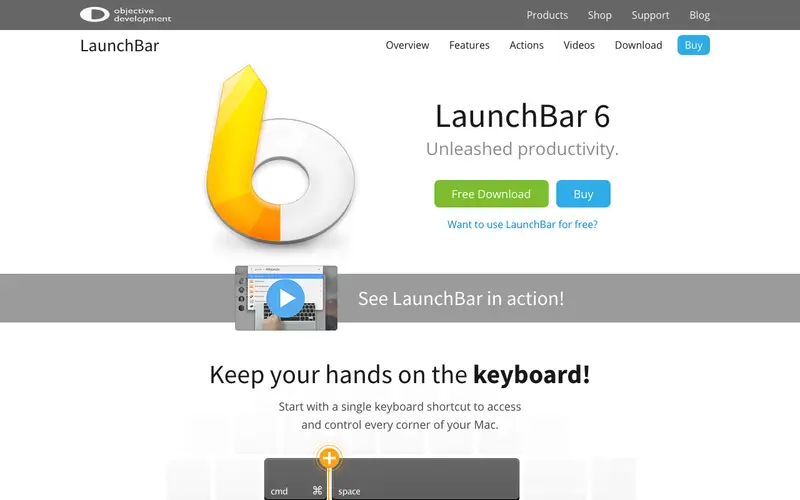
LaunchBar is a powerful, adaptive keyboard launcher and productivity tool for macOS, developed by Objective Development Software GmbH, designed to give users instant access to applications, documents, contacts, and more. It learns your habits, creating shortcuts based on your usage patterns, and allows for complex actions with minimal keystrokes. The primary workflow involves hitting a custom hotkey to summon LaunchBar, typing an abbreviation for what you need, and then performing an action like launching an app, searching a website, or manipulating files. It is exclusively available for macOS. Its most used feature is its intelligent abbreviation search, allowing users to find and launch anything with just a few letters. LaunchBar processes and stores all user data and indexed items locally on your Mac, ensuring privacy and speed without cloud dependencies.
Editorial check
How this page is checked
Source trail
obdev.at
External links are separated from Surfaced commentary.
Reader safety
Context before clicks
Product links and external services are not presented as guarantees.
Monetization
No affiliate flag
Ads and commerce links are kept distinct from editorial text.
Surfaced take
Why It’s Useful
LaunchBar eliminates the mental overhead and time wasted sifting through folders and menus to find what you need. For the legal professional, it's perfect for quickly opening case files, drafting emails to specific contacts, or performing targeted searches on legal databases. For the designer, it allows for instant launching of design software, opening recent project files, or performing unit conversions without breaking creative flow. LaunchBar offers a free trial that's fully functional for a limited time, after which a one-time purchase unlocks lifetime use, making it a valuable long-term investment. Compared to Alfred or Raycast, LaunchBar's unique strength lies in its adaptive learning algorithm, which often requires fewer keystrokes for frequent actions. A power feature is 'Send To,' allowing you to pass selected files or text to another application or action directly from LaunchBar. A non-technical person can get started with basic app launching in under 5 minutes, but its true power unfolds with regular use and custom configuration.






Enjoyed this? Get five picks like this every morning.
Free daily newsletter — zero spam, unsubscribe anytime.