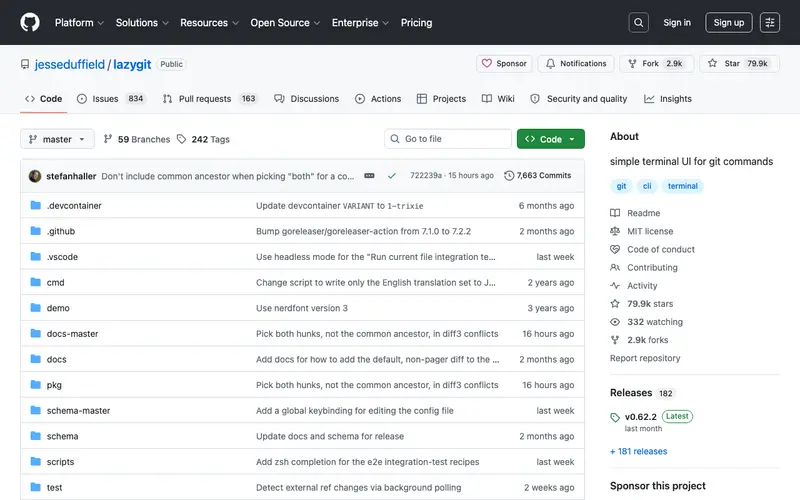
Lazygit is a simple terminal UI for git commands, developed by Jesse Duffield as an open-source project. It allows users to interact with Git repositories through an intuitive, interactive text-based interface, simplifying complex operations like rebase, cherry-pick, and interactive staging. This tool is primarily built for developers and power users who prefer working in the terminal but find the native Git CLI commands verbose or cumbersome for certain tasks. It fits into a workflow whenever a developer needs to quickly stage files, commit, switch branches, or perform more advanced Git operations without leaving their terminal emulator. Lazygit is a standalone terminal application, working across Linux, macOS, and Windows, and integrates seamlessly with any shell environment.
Editorial check
How this page is checked
Source trail
github.com
External links are separated from Surfaced commentary.
Reader safety
Context before clicks
Product links and external services are not presented as guarantees.
Monetization
No affiliate flag
Ads and commerce links are kept distinct from editorial text.
Surfaced take
Why It’s Useful
While `git` CLI offers full control, Lazygit replaces or complements it by providing a visual, interactive way to manage repositories, making complex workflows like interactive rebasing much more accessible than pure CLI. For the busy developer trying to quickly review and stage changes before a commit, Lazygit's interactive staging allows precise selection of lines or hunks with just a few key presses. A junior developer learning Git can use Lazygit to visualize the repository state and see the effects of commands in real-time, reducing the intimidation factor of the command line. Lazygit is completely free and open-source, maintained by a community of contributors. A feature most don't discover until later is its powerful custom keybinding system, allowing users to tailor nearly every action to their preferences and even add custom Git commands. It's not more popular because many developers are either content with the native Git CLI or prefer GUI clients like GitKraken or VS Code's integrated Git, overlooking the efficiency of a well-designed TUI. It has an active GitHub community, a robust issue tracker, and receives frequent updates with new features and bug fixes.





Enjoyed this? Get five picks like this every morning.
Free daily newsletter — zero spam, unsubscribe anytime.