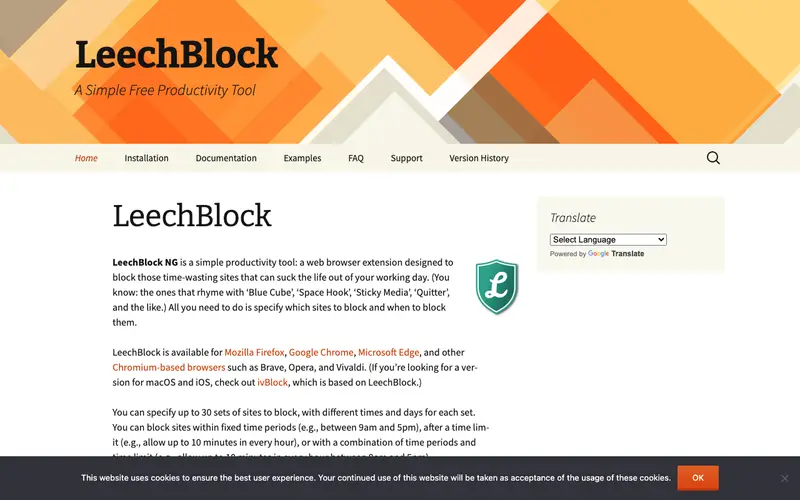
LeechBlock NG, an open-source browser extension maintained by James Anderson, is designed to help Firefox users manage and reduce time spent on distracting websites. Its core function is to block or restrict access to specified sites during designated time periods or after a cumulative daily limit has been reached. Users can create multiple block sets with different rules, schedules, and duration limits, offering highly customizable control over their browsing habits. It works exclusively as a Firefox browser extension. The most used feature is its flexible scheduling, allowing users to define specific days and times for blocking. Block lists and settings are stored locally within the Firefox browser.
Editorial check
How this page is checked
Source trail
proginosko.com
External links are separated from Surfaced commentary.
Reader safety
Context before clicks
Product links and external services are not presented as guarantees.
Monetization
No affiliate flag
Ads and commerce links are kept distinct from editorial text.
Surfaced take
Why It’s Useful
LeechBlock NG combats the problem of habitual procrastination and internet-induced distraction by providing a robust, customizable site-blocking solution for Firefox users. For a content creator who frequently falls into social media rabbit holes, LeechBlock NG can enforce strict work-hour blocking, ensuring creative output remains a priority. For a student studying for online exams, it can block entertainment sites during study periods, fostering a more focused learning environment. LeechBlock NG is completely free and open-source, making it genuinely useful without any cost. Compared to simpler site blockers, LeechBlock NG wins with its advanced scheduling options and multiple block sets, offering unparalleled flexibility in managing online distractions. Its power feature allows users to set "lockdown" periods where block sets cannot be modified, preventing impulse circumvention during critical focus times. A non-technical person can easily install and configure basic site blocking in under 5 minutes, though mastering its advanced scheduling takes a bit more exploration.
In everyday life
When you’d actually reach for this
You're trying to finally tackle that Sunday budget, but find yourself scrolling through social media instead of spreadsheets. Or perhaps you need to focus on getting a critical project report finalized before handing it over to a colleague for their vacation. You might also be wanting to clear out those dozens of "read later" tabs that have accumulated over months.







Enjoyed this? Get five picks like this every morning.
Free daily newsletter — zero spam, unsubscribe anytime.