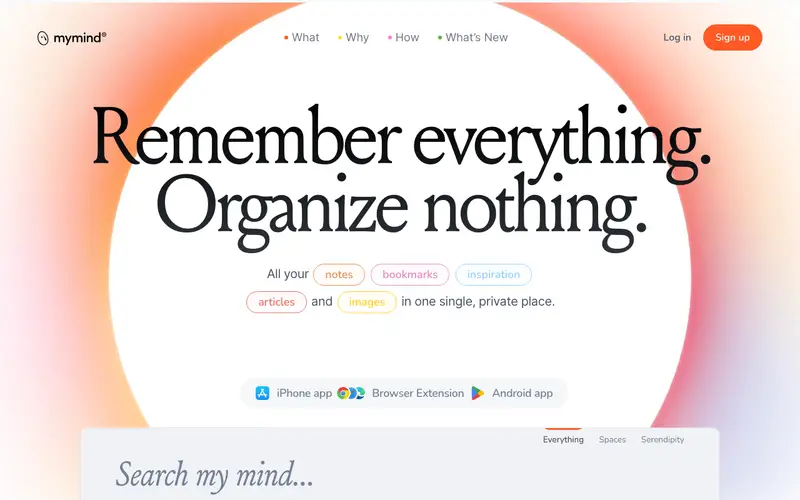
MyMind is an AI-powered, private digital brain developed by MyMind, Inc., designed to seamlessly capture, organize, and retrieve all your digital content—from bookmarks and notes to images and articles—without manual tagging. It acts as an intelligent, intuitive repository for everything you want to remember, automatically understanding and categorizing content. The primary workflow involves using a browser extension or mobile share sheet to save anything from the web, which MyMind then intelligently processes and makes instantly searchable. MyMind is available on Web, iOS, Android, and as a browser extension for Chrome, Firefox, Safari, and Edge. Its most used feature is its "zero-effort organization," where AI automatically tags and indexes content based on its type and context. All data is stored privately and securely in MyMind's cloud, with a strong emphasis on user privacy and no public sharing features.
Editorial check
How this page is checked
Source trail
mymind.com
External links are separated from Surfaced commentary.
Reader safety
Context before clicks
Product links and external services are not presented as guarantees.
Monetization
No affiliate flag
Ads and commerce links are kept distinct from editorial text.
Surfaced take
Why It’s Useful
MyMind eliminates the mental overhead of organizing digital information and the frustration of forgotten or misplaced ideas, offering an effortless way to create a personal, searchable knowledge base. For the designer, it's perfect for saving visual inspiration, fonts, and color palettes; MyMind's AI automatically identifies these elements, making them instantly searchable. For the entrepreneur, it serves as a private vault for saving articles, business ideas, and market research, knowing everything will be categorized and found when needed without manual effort. MyMind offers a limited free tier allowing some saves per month, which is useful for trying out the core concept, but serious users will likely opt for the premium subscription for unlimited saves. Compared to traditional note-taking or bookmarking apps, MyMind wins with its powerful AI that automates organization, making it a true "second brain" that learns from your saves. A power feature is its ability to find saved items not just by keywords, but also by visual attributes like color or object recognition in images. Its minimalist interface ensures a non-technical person can start saving content in under a minute.







Enjoyed this? Get five picks like this every morning.
Free daily newsletter — zero spam, unsubscribe anytime.