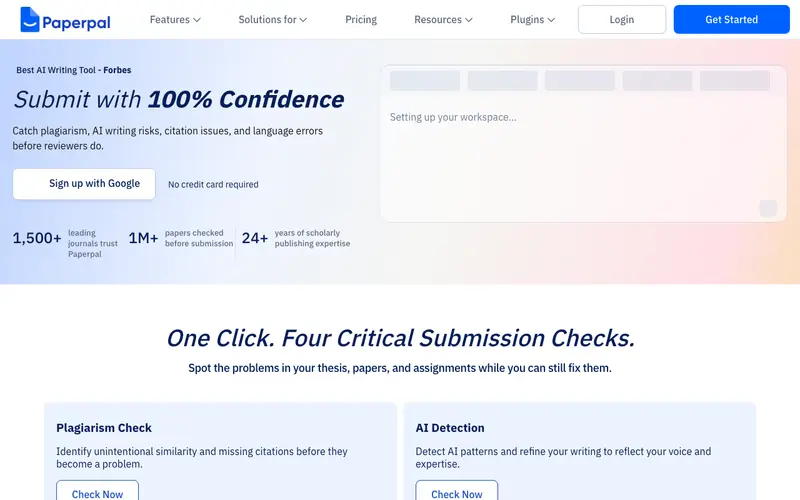
Paperpal, developed by Cactus Communications (the creators of Editage), is an AI academic writing assistant designed to help researchers, academics, and students refine their scientific manuscripts. It provides real-time grammar, style, and vocabulary corrections, along with advanced academic phrasing suggestions, ensuring papers meet publication standards. The primary workflow involves pasting research text into the online editor or using its plugin, then reviewing AI suggestions for clarity, conciseness, and academic tone. Paperpal is available as a web application, a Microsoft Word plugin, and a browser extension. Its most used feature is its advanced academic rephrasing, which helps improve the scientific rigor and readability of complex sentences. Data is processed securely in the cloud, with a strong emphasis on privacy and ethical AI use in academic contexts.
Editorial check
How this page is checked
Source trail
paperpal.com
External links are separated from Surfaced commentary.
Reader safety
Context before clicks
Product links and external services are not presented as guarantees.
Monetization
No affiliate flag
Ads and commerce links are kept distinct from editorial text.
Surfaced take
Why It’s Useful
Paperpal eliminates the anxiety and time investment associated with perfecting academic English, ensuring research papers are publication-ready and clearly articulate complex ideas. For the PhD student, it means refining their dissertation's language to meet rigorous academic standards, increasing their chances of successful defense and publication. For the international researcher, it ensures their findings are communicated with native-level fluency and precision, overcoming language barriers in scientific discourse. The free tier is genuinely useful, offering basic grammar and style checks, making it a valuable proofreading tool for daily academic writing. Unlike general grammar checkers, Paperpal is trained on millions of peer-reviewed articles, providing context-aware suggestions tailored specifically for scientific and academic writing. The "Generative AI" features, such as summarizing, paraphrasing, or generating outlines from bullet points, are power features that significantly accelerate the drafting and editing process for advanced users. A non-technical person can easily use the core grammar and style suggestions within 5 minutes of pasting their text.







Enjoyed this? Get five picks like this every morning.
Free daily newsletter — zero spam, unsubscribe anytime.