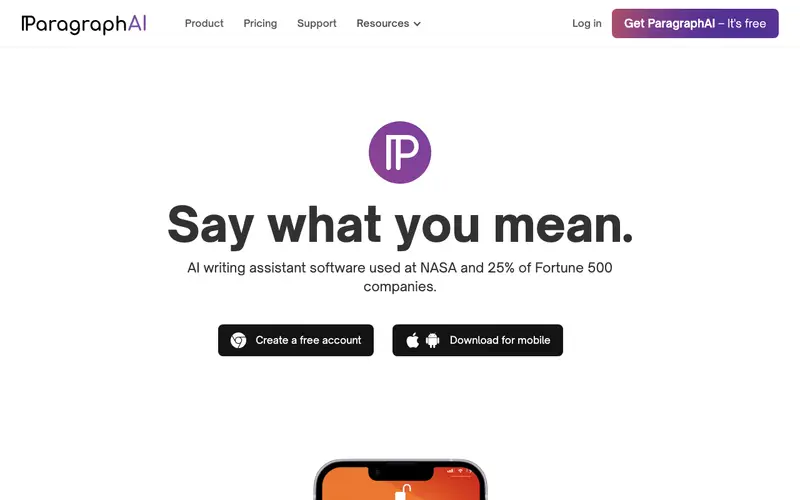
ParagraphAI is an AI writing assistant, developed by ParagraphAI Inc., that integrates directly into your daily apps to provide instant writing help for emails, messages, documents, and more. Its core function is to offer on-demand AI-powered writing, summarizing, rephrasing, and grammar correction wherever you type, eliminating the need to copy-paste into separate tools. Users typically activate the ParagraphAI extension or app within their current writing environment (e.g., Gmail, Slack, Notion), then use prompts to generate or enhance text directly. ParagraphAI is available as a Chrome extension, iOS app, and Android app, ensuring broad accessibility across different devices and platforms. The "Email Responder" feature, which drafts professional replies based on context, is a particularly useful and frequently employed capability. Data processing occurs securely on cloud servers, with a strong emphasis on user privacy, ensuring that personal and conversational data is handled with care.
Editorial check
How this page is checked
Source trail
paragraphai.com
External links are separated from Surfaced commentary.
Reader safety
Context before clicks
Product links and external services are not presented as guarantees.
Monetization
No affiliate flag
Ads and commerce links are kept distinct from editorial text.
Surfaced take
Why It’s Useful
ParagraphAI solves the pervasive problem of context-switching when using AI tools, by bringing powerful writing assistance directly to where you work. For the customer support agent, it can instantly draft polite and accurate responses to common inquiries within their CRM or email client, boosting efficiency. For the remote team member, it helps compose clear, concise, and grammatically perfect messages in Slack or Teams, preventing miscommunications. ParagraphAI offers a free tier that provides a significant amount of AI usage per month, making it genuinely valuable for daily tasks without immediate commitment to a paid plan. Unlike standalone AI writing apps, ParagraphAI's strength lies in its seamless, in-app integration, providing immediate assistance without disrupting workflow. The "Tone Changer" feature, allowing users to instantly adjust the sentiment of their writing, is a power feature for crafting perfect messages. A non-technical person can install the browser extension or app and begin using its core features in under 5 minutes, with minimal setup.







Enjoyed this? Get five picks like this every morning.
Free daily newsletter — zero spam, unsubscribe anytime.