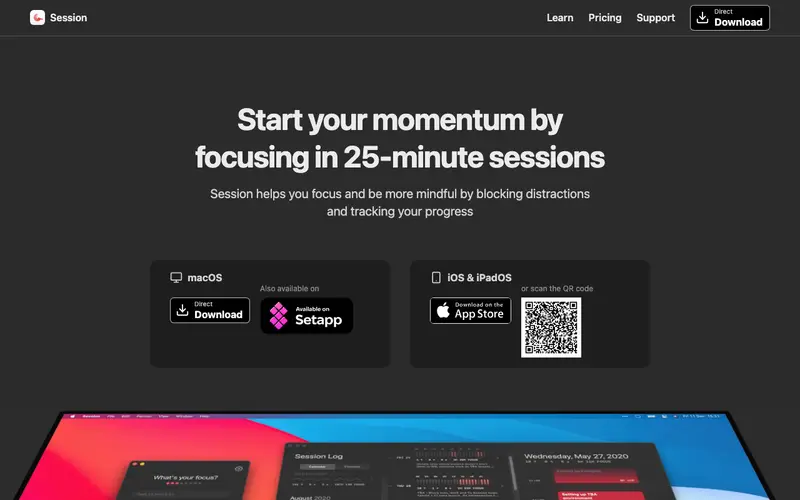
Session, created by Session.app, is a desktop-focused Pomodoro timer and tracker designed for deep work and productivity analytics. It guides users through focused work intervals (sessions) followed by short breaks, with longer breaks after several sessions, adhering to the Pomodoro Technique. Primarily a desktop application, it runs natively on Mac, Windows, and Linux, providing a stable and integrated experience. Its most used feature is the customizable Pomodoro timer, allowing users to define their work and break durations. All your session data, including duration and tags, is stored locally by default, with optional cloud sync for backup and cross-device access.
Editorial check
How this page is checked
Source trail
stayinsession.com
External links are separated from Surfaced commentary.
Reader safety
Context before clicks
Product links and external services are not presented as guarantees.
Monetization
No affiliate flag
Ads and commerce links are kept distinct from editorial text.
Surfaced take
Why It’s Useful
Session eliminates the struggle of maintaining consistent focus during work and provides clear insights into how time is spent. For a software developer, Session helps structure coding time into manageable blocks, preventing burnout and ensuring regular, rejuvenating breaks. A graphic designer can use Session to timebox creative bursts for different client projects, ensuring balanced attention across their workload and tracking time for billing. The free tier is genuinely useful, offering full Pomodoro timer functionality and basic analytics, while paid plans unlock advanced analytics, integrations, and optional cloud sync. Compared to simpler web-based Pomodoro timers, Session wins with its robust desktop integration, comprehensive local data tracking, and insightful productivity reports. The detailed analytics dashboard, showing focus trends and completed sessions over time, is a power feature for optimizing one's work habits. The application is straightforward to set up, and a non-technical person can start their first Pomodoro session in under 3 minutes.







Enjoyed this? Get five picks like this every morning.
Free daily newsletter — zero spam, unsubscribe anytime.