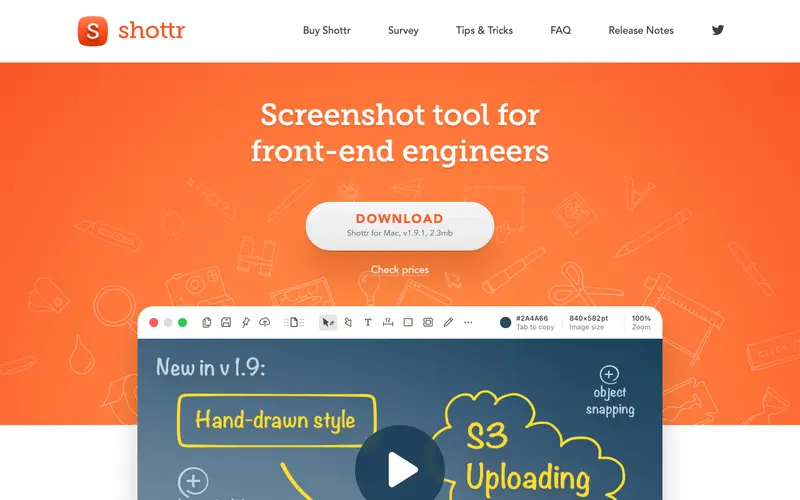
Shottr, developed by Alex Koloskov, is a lightweight and feature-rich screenshot tool exclusively for macOS, designed for quickly capturing, annotating, and manipulating screenshots. Its primary workflow involves using a global hotkey to capture a specific area or an entire scrolling webpage, then immediately opening the shot in a minimalistic editor for quick annotations or pixelation. Shottr is available solely as a desktop application for macOS, leveraging native macOS technologies for speed and efficiency. The most used feature is its "Scrolling Screenshot" capability, allowing users to capture entire webpages or long documents in one go. Captured images are saved locally to your specified directory or copied directly to your clipboard, ensuring privacy and control over your files.
Editorial check
How this page is checked
Source trail
shottr.cc
External links are separated from Surfaced commentary.
Reader safety
Context before clicks
Product links and external services are not presented as guarantees.
Monetization
No affiliate flag
Ads and commerce links are kept distinct from editorial text.
Surfaced take
Why It’s Useful
Shottr eliminates the need for multiple screenshot utilities or heavy image editors for quick, precise captures and edits on macOS, streamlining workflows. For the web developer, it's invaluable for capturing entire webpage layouts, inspecting pixel perfect designs, and annotating specific CSS issues to share with team members. For the content writer creating how-to guides, Shottr allows for fast, high-quality screenshots with instant pixelation of sensitive data or easy highlighting of key elements, making tutorials professional and secure. Shottr is completely free to use, offering all its powerful features without any paywalls or subscriptions, providing exceptional value. Compared to the built-in macOS screenshot utility, Shottr wins with its scrolling capture, pixelation tools, measurement features, and integrated OCR, offering a much more comprehensive solution. A power feature is its "Remove Background" tool, which intelligently isolates foreground elements from complex backgrounds with impressive accuracy. A non-technical person can install Shottr and take their first annotated scrolling screenshot in under 5 minutes, thanks to its intuitive hotkey-driven interface.





Enjoyed this? Get five picks like this every morning.
Free daily newsletter — zero spam, unsubscribe anytime.