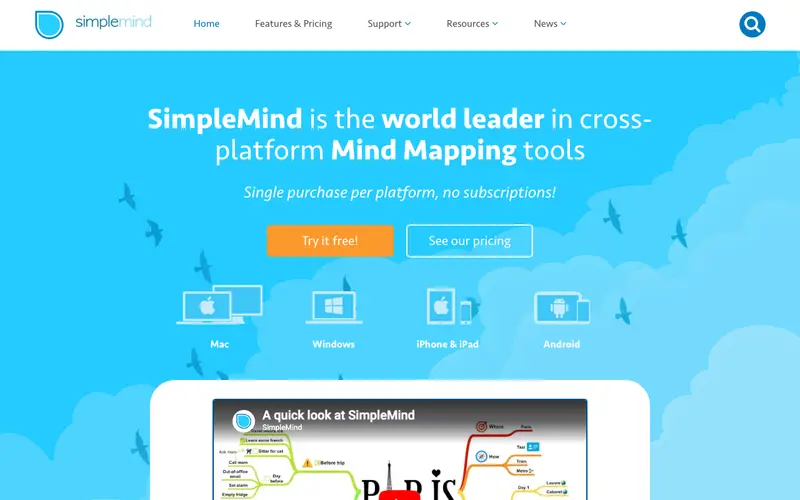
SimpleMind is a dedicated mind mapping application developed by ModelMaker Tools, designed to help users organize thoughts, brainstorm ideas, and structure information efficiently. It offers a clean, intuitive interface focused purely on creating and managing mind maps, without extraneous features. The primary workflow involves starting a new mind map, adding main topics, and then branching out with subtopics, using various styles, colors, and icons to enhance visual organization. It is available on iOS, Android, Windows, and Mac, with seamless synchronization capabilities. Its most used feature is the 'Free Layout' option, allowing users to place topics anywhere on the canvas, breaking free from strict hierarchical structures. SimpleMind primarily stores mind maps locally on the user's device, offering complete privacy, but also supports cloud synchronization via Dropbox or Google Drive for cross-device access and backup.
Editorial check
How this page is checked
Source trail
simplemind.eu
External links are separated from Surfaced commentary.
Reader safety
Context before clicks
Product links and external services are not presented as guarantees.
Monetization
No affiliate flag
Ads and commerce links are kept distinct from editorial text.
Surfaced take
Why It’s Useful
SimpleMind eliminates the distraction of complex software by focusing solely on mind mapping, providing a straightforward and robust tool for idea organization. For the student preparing for exams, it offers an excellent way to consolidate lecture notes, summarize chapters, and visualize interconnected concepts for better retention. For the individual planning personal goals, it provides a clear canvas to break down objectives into actionable steps and explore potential challenges visually. SimpleMind offers a free version for basic functionality on mobile devices, which is useful for casual use, while the paid versions unlock advanced features like more styles, linking, and cloud sync. Compared to collaborative online whiteboards, SimpleMind excels as a personal, focused mind mapping tool, perfect for deep individual work without internet dependency. A power feature is the ability to add media (images, voice memos) and documents directly to topics, enriching the context of each idea. A non-technical person can easily download and start creating their first mind map within 5 minutes, as its interface is designed for immediate usability.
In everyday life
When you’d actually reach for this
You need to plan out your weekly errands and appointments, or map out the steps for a personal project like redecorating a room. It's also useful for jotting down ideas for a friend's surprise party.





Enjoyed this? Get five picks like this every morning.
Free daily newsletter — zero spam, unsubscribe anytime.