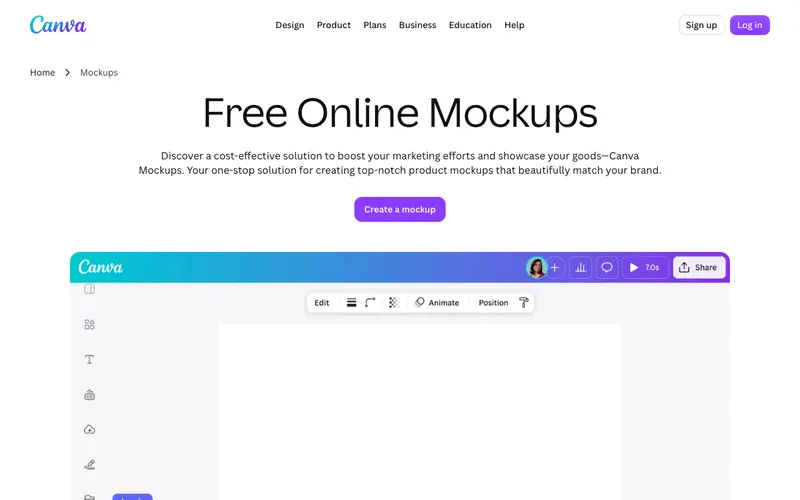
Smartmockups is an online mockup generator, now part of Canva, that allows users to create stunning product mockups in seconds without the need for complex design software. It offers thousands of high-quality, realistic mockup templates ranging from devices like iPhones and laptops to print materials, apparel, and packaging. The primary workflow involves selecting a mockup template, uploading a design (image or screenshot), and then generating a photorealistic preview of how the design looks in context. Smartmockups is a purely web-based application, accessible from any modern browser on any operating system. Its most used feature is its vast library of professional-grade mockups, making it easy to visualize designs on real products. All uploaded designs and created mockups are stored in the cloud, associated with your user account.
Editorial check
How this page is checked
Source trail
smartmockups.com
External links are separated from Surfaced commentary.
Reader safety
Context before clicks
Product links and external services are not presented as guarantees.
Monetization
No affiliate flag
Ads and commerce links are kept distinct from editorial text.
Surfaced take
Why It’s Useful
Smartmockups eliminates the tedious and often expensive process of photographing products or creating complex 3D renders to showcase designs. For the UI/UX designer presenting new app interfaces, it provides immediate, professional-looking device mockups that impress clients and stakeholders. For the e-commerce entrepreneur launching a new merchandise line, it allows them to generate compelling product photos for their website without hiring a photographer. While a free tier offers a selection of basic mockups, the true power lies in the paid plans which unlock the full library and higher resolutions, making the free tier more of a tease for serious users. Compared to manually creating mockups in Photoshop, Smartmockups wins on speed and ease of use, delivering professional results instantly. A power feature is its ability to use video mockups, bringing designs to life with dynamic movement. A non-technical person can generate their first mockup in under 2 minutes.







Enjoyed this? Get five picks like this every morning.
Free daily newsletter — zero spam, unsubscribe anytime.