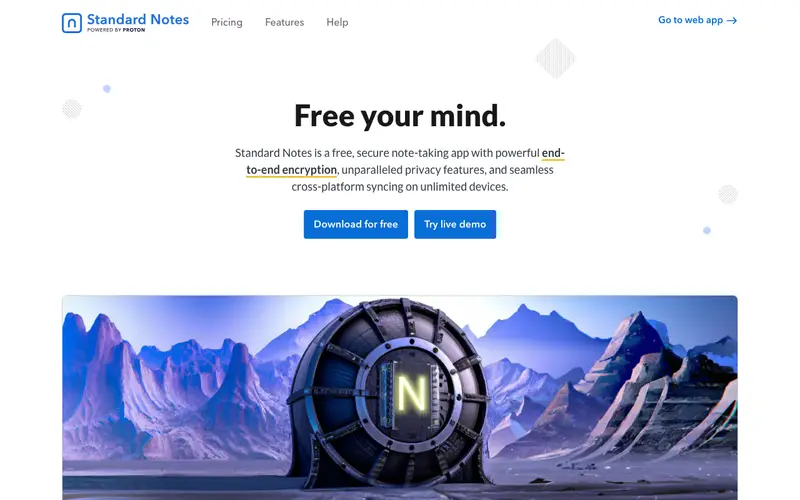
Standard Notes, developed by Standard Notes, Inc., is a free, open-source, end-to-end encrypted note-taking application designed for long-term personal privacy and digital preservation. It provides a secure place to store your notes, journals, code snippets, and files, accessible only by you through its robust encryption. The primary workflow involves creating plain text notes, organizing them with tags, and having them automatically sync across all your devices securely. It works across a wide array of platforms including web, iOS, Android, Windows, Mac, Linux, and even as a portable app. Its most used feature is its strict end-to-end encryption, ensuring that all content remains private and unreadable by anyone but the user. All user data, including notes and tags, is encrypted client-side before being synced to the cloud, meaning even Standard Notes themselves cannot read your content.
Editorial check
How this page is checked
Source trail
standardnotes.com
External links are separated from Surfaced commentary.
Reader safety
Context before clicks
Product links and external services are not presented as guarantees.
Monetization
No affiliate flag
Ads and commerce links are kept distinct from editorial text.
Surfaced take
Why It’s Useful
Standard Notes eliminates the risk of sensitive personal information stored in notes being compromised, providing unparalleled peace of mind through guaranteed privacy. For the author drafting novel ideas or personal reflections, it offers a secure digital sanctuary where creative works are protected from prying eyes and potential data breaches. For the developer needing to store sensitive configuration details or code snippets, it provides an encrypted repository that syncs across devices without exposing intellectual property. The free tier is genuinely useful, offering unlimited encrypted notes and syncing, while the 'Standard Notes Extended' subscription unlocks powerful editors, themes, and cloud storage for files. Compared to Evernote or Notion, Standard Notes wins on its uncompromising focus on end-to-end encryption and open-source transparency, making it ideal for privacy-first users. A power feature is its extensive ecosystem of extensions (available with the Extended plan) that transform it into a rich text editor, markdown editor, or even a task manager. A non-technical person can download the app, create an account, and write their first encrypted note in under 3 minutes.
In everyday life
When you’d actually reach for this
You might use it to jot down your weekly budget before paying bills, or to quickly save that recipe you found online. It's also handy for keeping a running list of articles you want to read later or for sharing important information with a colleague before you go on vacation.







Enjoyed this? Get five picks like this every morning.
Free daily newsletter — zero spam, unsubscribe anytime.