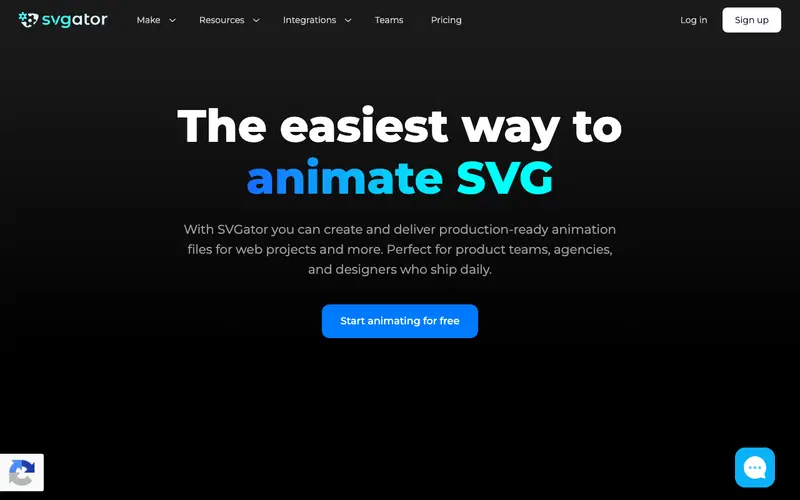
SVGator is an advanced online SVG animation tool developed by a dedicated team, empowering designers and developers to create complex, interactive SVG animations without writing a single line of code. It provides a comprehensive interface for importing SVG files and then applying various animation properties like paths, morphing, filters, and more using a visual timeline editor. The primary workflow involves importing an SVG, selecting elements, adding keyframes to adjust properties over time, and then exporting the animated SVG for web use. It is a purely web-based platform, accessible from any modern browser, and is optimized for efficient performance. Its most used feature is its intuitive timeline editor, which makes complex SVG animations visually manageable and easy to create. All project files and assets are stored securely in the cloud, allowing users to access and work on their animations from anywhere.
Editorial check
How this page is checked
Source trail
svgator.com
External links are separated from Surfaced commentary.
Reader safety
Context before clicks
Product links and external services are not presented as guarantees.
Monetization
No affiliate flag
Ads and commerce links are kept distinct from editorial text.
Surfaced take
Why It’s Useful
SVGator eliminates the technical barrier of coding SVG animations by hand, making dynamic and interactive web graphics accessible to designers without coding skills. For the web designer wanting to add unique micro-interactions or animated logos to a website, it provides a powerful yet user-friendly tool to bring designs to life. For the front-end developer looking to quickly prototype complex SVG transitions, it offers a visual editor that saves significant development time. The free tier is genuinely useful, allowing users to create and export basic animations with a limited number of animators, while paid plans unlock unlimited animators and advanced features. Compared to manually coding SVG animations or using complex desktop animation software, SVGator wins on ease of use and web-native output. A power feature is its morphing animation, allowing seamless transitions between different SVG shapes. A non-technical person can create a simple animated SVG in under 10 minutes.







Enjoyed this? Get five picks like this every morning.
Free daily newsletter — zero spam, unsubscribe anytime.