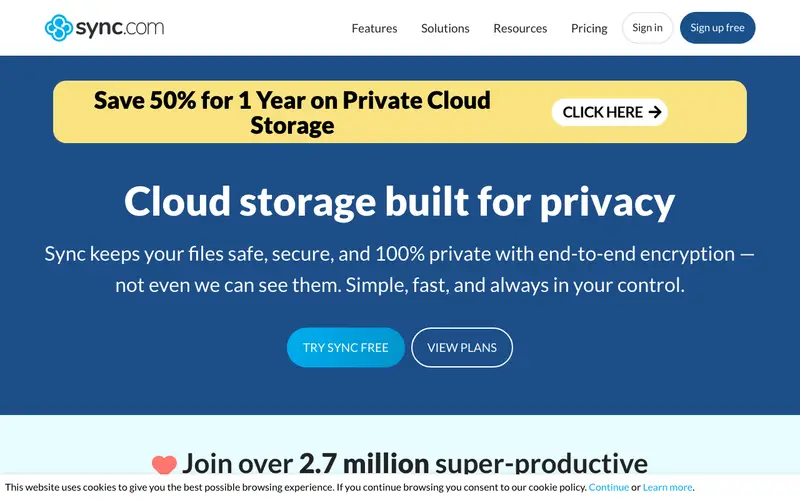
Sync.com, developed by Sync.com Inc., is a secure cloud storage and file-sharing service that offers true zero-knowledge encryption for all user data. It allows users to store, share, and access their files from anywhere, ensuring that privacy is maintained through end-to-end encryption where only the user holds the keys. The primary workflow involves dragging and dropping files into a Sync folder, which then automatically encrypts and syncs them to the cloud, making them accessible across linked devices or via a web interface. It works seamlessly on Windows, macOS, iOS, Android, and through any web browser. Its most used feature is its secure sharing capabilities, allowing users to send encrypted links to files and folders with granular permission controls. All data is encrypted on your device before it's uploaded to Sync's servers, meaning Sync.com has no knowledge of your file contents, ensuring unparalleled privacy.
Editorial check
How this page is checked
Source trail
sync.com
External links are separated from Surfaced commentary.
Reader safety
Context before clicks
Product links and external services are not presented as guarantees.
Monetization
No affiliate flag
Ads and commerce links are kept distinct from editorial text.
Surfaced take
Why It’s Useful
Sync.com eliminates the common privacy concern that cloud storage providers can access or scan your files, offering a bulletproof solution for secure data storage and sharing. For the small business owner handling sensitive client documents, it provides a compliant and confidential way to store and collaborate on files without risking data breaches. For the family sharing personal photos and videos, it offers a private digital vault, ensuring precious memories are protected from prying eyes and unauthorized access. The free tier offers 5GB of storage, which is genuinely useful for trying out the service and storing essential documents, while paid plans provide much larger storage and advanced features. Compared to Dropbox or Google Drive, Sync.com's fundamental advantage is its zero-knowledge encryption, which means not even Sync can access your data, a crucial differentiator for privacy-conscious users. A power feature is its built-in ransomware protection, which allows users to restore previous versions of files or entire folders, safeguarding against accidental deletion or malicious attacks. A non-technical person can set up their account, install the desktop client, and sync their first file in under 5 minutes.
In everyday life
When you’d actually reach for this
You need to send a large presentation file to a colleague before you go on vacation. You also want to securely store your family's scanned documents and financial records where only you can access them.







Enjoyed this? Get five picks like this every morning.
Free daily newsletter — zero spam, unsubscribe anytime.