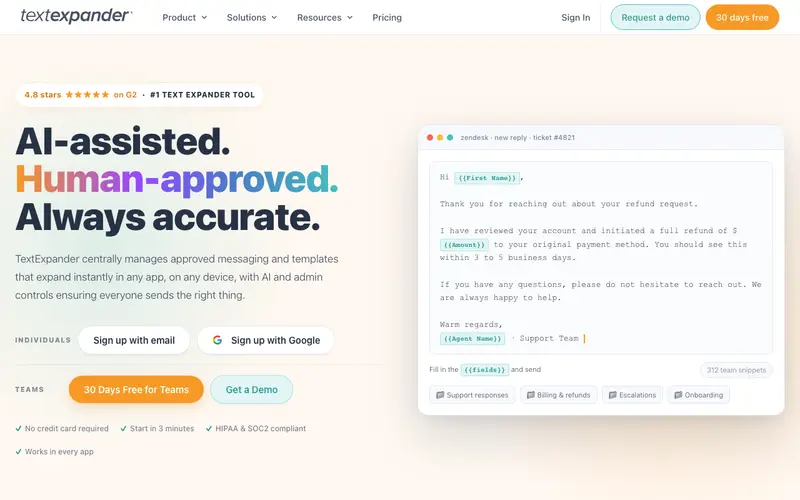
TextExpander is a powerful productivity tool, developed by SmileOnMyMac, LLC, that allows users to create custom keyboard shortcuts (called "snippets") for frequently used text, images, and scripts, expanding them instantly anywhere they type. It significantly reduces repetitive typing, improves accuracy, and ensures consistent messaging across various applications and platforms. The primary workflow involves defining short abbreviations that, when typed, automatically expand into much longer phrases, paragraphs, or even entire email templates. TextExpander is available on macOS, Windows, Chrome, iPad, and iPhone, ensuring snippets are accessible across all your devices. Its most used feature is the simple creation of "fill-in" snippets, which prompt for specific information before expanding, making templates highly customizable. Data is securely synced via the cloud, allowing users to access and manage their snippet libraries from any synced device.
Editorial check
How this page is checked
Source trail
textexpander.com
External links are separated from Surfaced commentary.
Reader safety
Context before clicks
Product links and external services are not presented as guarantees.
Monetization
No affiliate flag
Ads and commerce links are kept distinct from editorial text.
Surfaced take
Why It’s Useful
TextExpander eliminates the tedious, error-prone task of retyping common phrases, code blocks, or standard responses, freeing up mental energy for more complex work. For the customer support agent, it ensures consistent, quick responses to frequently asked questions, drastically cutting down response times and improving customer satisfaction. For the software developer, it automates the input of common code snippets, boilerplate text, and commit messages, accelerating coding workflows. There is no free tier, but a 30-day free trial is available, and the paid subscription is invaluable for anyone who types regularly, offering a significant ROI in saved time. Compared to built-in system text replacements, TextExpander wins with its cross-platform syncing, advanced snippet types (like JavaScript and shell scripts), and fill-in fields. A power feature is the ability to share snippet groups with teams, ensuring everyone uses the same approved messaging and templates. A non-technical person can download, install, and create their first basic snippet in under 5 minutes.







Enjoyed this? Get five picks like this every morning.
Free daily newsletter — zero spam, unsubscribe anytime.