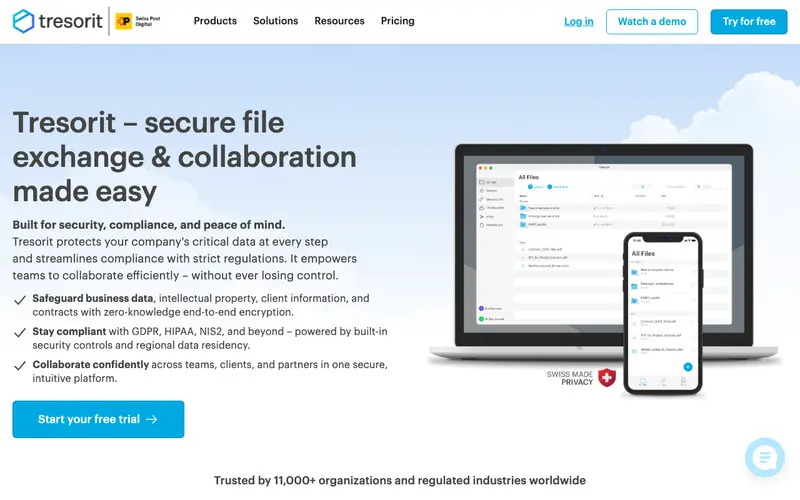
Tresorit is an end-to-end encrypted cloud storage and file-sharing service developed by Tresorit Kft., designed for individuals and businesses who prioritize data privacy and security. It facilitates a workflow where users upload files to their encrypted cloud, share them securely with others via encrypted links, and collaborate on documents without compromising data integrity. Tresorit is available on Windows, Mac, Linux, iOS, Android, and as a web client for browser access. Its most used feature is the secure sharing of "tresors" (encrypted folders) with granular access controls and expiration dates, ensuring confidential collaboration. All files are encrypted on the user's device before being uploaded to Tresorit's servers, implementing a strict zero-knowledge architecture.
Editorial check
How this page is checked
Source trail
tresorit.com
External links are separated from Surfaced commentary.
Reader safety
Context before clicks
Product links and external services are not presented as guarantees.
Monetization
No affiliate flag
Ads and commerce links are kept distinct from editorial text.
Surfaced take
Why It’s Useful
Tresorit eliminates the inherent security risks of traditional cloud storage, ensuring that sensitive files are protected with uncompromisable end-to-end encryption from upload to download. For a healthcare professional, it provides a HIPAA-compliant method to store and share patient records securely, adhering to strict privacy regulations. A creative team can use Tresorit to collaborate on intellectual property or unreleased projects, confident that their designs and documents are protected from unauthorized access. Tresorit offers a limited free trial for personal use, but its core value lies in its robust paid plans, which provide ample storage and advanced security features for businesses and power users. Compared to mainstream cloud storage like Dropbox or Google Drive, Tresorit's fundamental difference is its zero-knowledge, end-to-end encryption, meaning even Tresorit cannot access your files. Its power feature, "Digital Rights Management (DRM)," allows advanced users to revoke access to shared files even after they've been downloaded, providing ultimate control over sensitive data. While slightly more complex than basic cloud storage, a non-technical person can set up an account and upload their first encrypted file in under 5 minutes.







Enjoyed this? Get five picks like this every morning.
Free daily newsletter — zero spam, unsubscribe anytime.