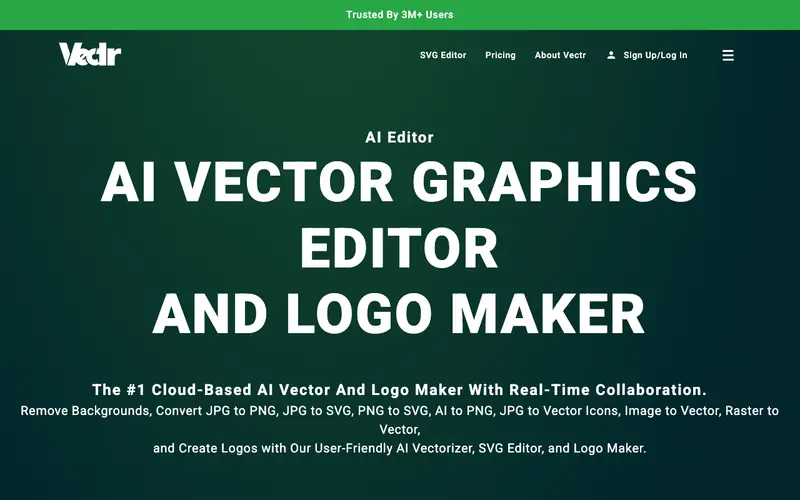
Vectr is a free, intuitive vector graphics editor developed by Vectr Labs, designed to create scalable vector art easily, whether online or offline. It enables users to design anything from simple logos and icons to complex illustrations using fundamental vector tools like pens, shapes, and paths. The primary workflow involves starting with a blank canvas, drawing shapes, applying colors and gradients, and arranging elements into a complete design, all within a browser or desktop app. It works across web browsers (Chrome, Firefox, Safari) and as a desktop application for Windows, Mac, Linux, and Chromebook. Its most used feature is its simplicity, making vector editing accessible without a steep learning curve. Designs can be saved to the cloud with an account, allowing real-time collaboration and access from anywhere.
Editorial check
How this page is checked
Source trail
vectr.com
External links are separated from Surfaced commentary.
Reader safety
Context before clicks
Product links and external services are not presented as guarantees.
Monetization
No affiliate flag
Ads and commerce links are kept distinct from editorial text.
Surfaced take
Why It’s Useful
Vectr eliminates the barrier to entry for vector graphics design, providing a powerful yet simple tool without the cost or complexity of professional software. For the blogger needing a quick custom banner or infographic, it offers an easy way to create crisp, scalable visuals without pixelation. For the student working on a school project, it provides a free alternative to draw diagrams, maps, or illustrations with professional-looking results. Vectr is completely free to use, offering all its core features without any paid tiers, making it genuinely useful for everyone. Compared to industry giants like Adobe Illustrator or even Inkscape, Vectr wins on sheer simplicity and accessibility for beginners or those needing quick edits. A power feature is its real-time collaboration, allowing multiple users to work on the same design simultaneously. A non-technical person can start drawing and exporting their first vector graphic in under 5 minutes.







Enjoyed this? Get five picks like this every morning.
Free daily newsletter — zero spam, unsubscribe anytime.