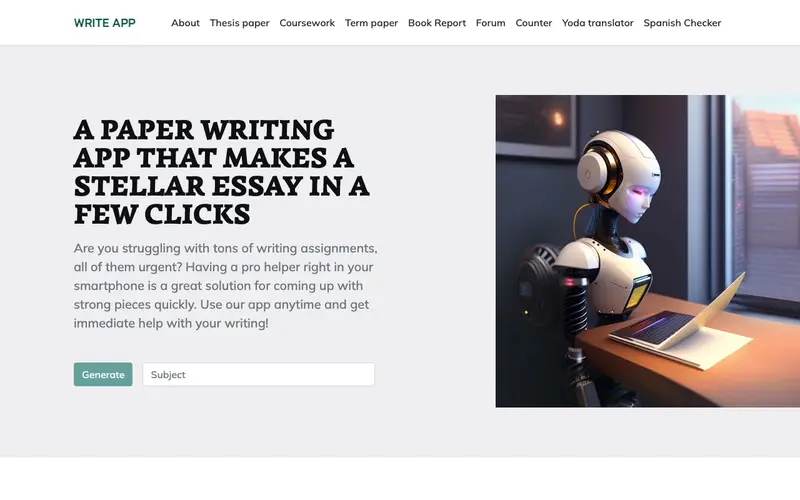
Write! App is a sleek, distraction-free writing environment developed by The Write! Team, designed to help writers focus solely on their content. It provides a minimalist interface with powerful text editing features, including Markdown support, cloud synchronization, and a robust focus mode. The primary workflow involves opening a new document, activating its focus mode (which hides all interface elements), and then typing without visual clutter or external interruptions. It is available for Windows, macOS, and Linux. Its most used feature is the "Focus Mode," which dims everything outside the current paragraph or sentence, creating a truly immersive writing experience. All documents are automatically synced to the Write! cloud, ensuring accessibility across devices, and users can also save locally or to third-party cloud services like Dropbox.
Editorial check
How this page is checked
Source trail
writeapp.co
External links are separated from Surfaced commentary.
Reader safety
Context before clicks
Product links and external services are not presented as guarantees.
Monetization
No affiliate flag
Ads and commerce links are kept distinct from editorial text.
Surfaced take
Why It’s Useful
Write! App eradicates the common problem of digital distractions and visual clutter that often derail writing productivity, enabling authors to achieve flow state effortlessly. For the novelist working on their magnum opus, Write! provides a pristine canvas devoid of UI elements, allowing them to fully immerse themselves in their narrative without external interference. For the student composing an essay, it offers a clean, focused space to articulate thoughts clearly, improving the quality and speed of their writing. The free version of Write! App offers robust features for distraction-free writing and local saving, making it genuinely useful, while the Pro version adds cloud sync, publishing tools, and advanced statistics. Compared to full-featured word processors like Microsoft Word, Write! wins by prioritizing a distraction-free experience and offering features specifically tailored for writers, not general document creation. A power feature is its built-in Markdown support, allowing quick formatting without lifting hands from the keyboard, combined with a robust autosave feature. A non-technical person can download and start writing in a focused environment in under 4 minutes.







Enjoyed this? Get five picks like this every morning.
Free daily newsletter — zero spam, unsubscribe anytime.