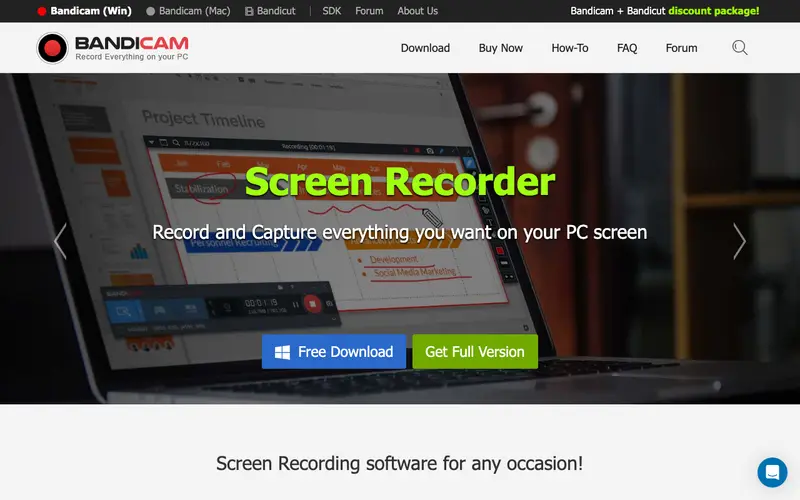
Bandicam is a high-performance screen recording software for Windows, developed by Bandicam Company, optimized for recording gameplay, lectures, and various PC activities. Its core function is to capture screen video and screenshots with high compression ratios while maintaining excellent quality, often favored by gamers and educators. The primary workflow involves launching Bandicam, selecting the recording mode (screen, game, or device), defining the capture area, and then starting the recording with hotkeys. It is exclusively available for Windows. The most used feature is its ability to record DirectX/OpenGL/Vulkan games at high frame rates, making it a go-to for gaming content creation. Bandicam processes and saves all recordings directly to your local hard drive, giving users full control over their files and ensuring data privacy.
Editorial check
How this page is checked
Source trail
bandicam.com
External links are separated from Surfaced commentary.
Reader safety
Context before clicks
Product links and external services are not presented as guarantees.
Monetization
No affiliate flag
Ads and commerce links are kept distinct from editorial text.
Surfaced take
Why It’s Useful
Bandicam addresses the challenge of recording demanding applications like video games or high-resolution software demonstrations without significant performance drops or quality loss. For the aspiring game streamer or YouTuber, it provides a stable and efficient way to capture gameplay footage with minimal impact on frame rates, crucial for a smooth recording experience. For the corporate trainer demonstrating complex software simulations, it offers crisp, high-quality video capture that accurately reflects the application's interface. The free version is useful for short recordings (up to 10 minutes) with a watermark, while the paid license offers unlimited recording time and removes the watermark, making it a worthwhile investment for serious users. Compared to more general-purpose screen recorders, Bandicam wins with its specialized optimization for high-performance applications and lower CPU/GPU usage during recording. Its power feature is the 'Game Recording Mode,' which uses a dedicated DirectX/OpenGL/Vulkan hooking method for superior performance and stability in full-screen games. A non-technical person can install and begin recording simple desktop activities in under 5 minutes, though optimizing for games might require some basic settings adjustments.
In everyday life
When you’d actually reach for this
You might record a quick tutorial for your family on how to set up a new smart home device. Perhaps you want to capture a funny moment from a video call with friends to share later. Or maybe you need to demonstrate a tricky software issue to IT support.






Enjoyed this? Get five picks like this every morning.
Free daily newsletter — zero spam, unsubscribe anytime.