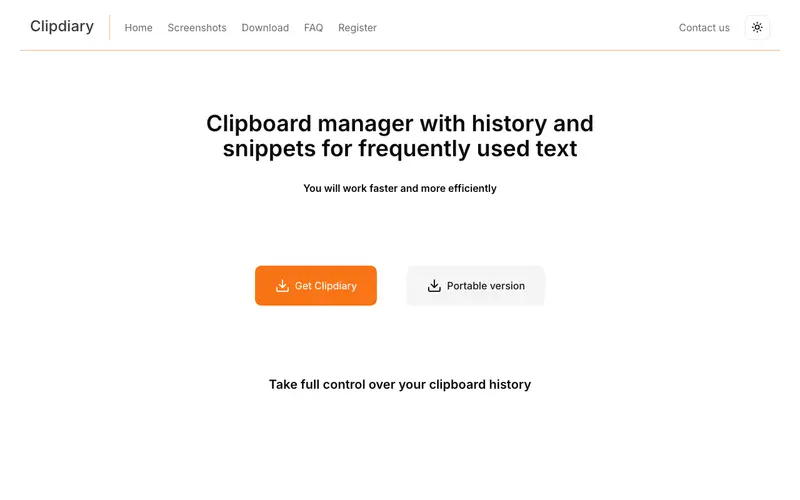
Clipdiary is a powerful clipboard history manager for Windows, developed by Softvoile, designed to record and store every piece of data copied to the clipboard. It goes beyond simple text, capturing images, files, and even rich text formatting, making it easy to retrieve any past clipboard content. The primary workflow involves copying items as usual, then pressing Ctrl+D (default) to bring up the Clipdiary window, which displays a comprehensive list of past clips that can be filtered, edited, and pasted. It is exclusively available for Windows. Its most used feature is its detailed history viewer with search and filtering options, allowing precise retrieval of old clips. Clipdiary stores its extensive clipboard history locally in a database file, offering robust offline access and optional data encryption.
Editorial check
How this page is checked
Source trail
clipdiary.com
External links are separated from Surfaced commentary.
Reader safety
Context before clicks
Product links and external services are not presented as guarantees.
Monetization
No affiliate flag
Ads and commerce links are kept distinct from editorial text.
Surfaced take
Why It’s Useful
Clipdiary eliminates the exasperating situation of losing a crucial piece of copied information, providing a reliable safety net for all your clipboard activities. For the programmer, it's invaluable for managing multiple code snippets, debugging output, or configurations without constantly having to re-copy. For the content curator, it simplifies the task of gathering diverse information (text, images, links) from various sources into one accessible history. Clipdiary offers a fully functional 30-day trial, after which a one-time purchase is required for continued use, representing a solid investment for heavy users. Compared to Ditto, Clipdiary offers a more polished interface, advanced data management features like clip editing, and strong encryption options for sensitive data. A power feature is the ability to organize clips into folders and mark favorite items, providing long-term storage and quick access to frequently used snippets. A non-technical person can install and begin using its core clipboard history features in under 5 minutes, though exploring its advanced organization takes a little longer.







Enjoyed this? Get five picks like this every morning.
Free daily newsletter — zero spam, unsubscribe anytime.