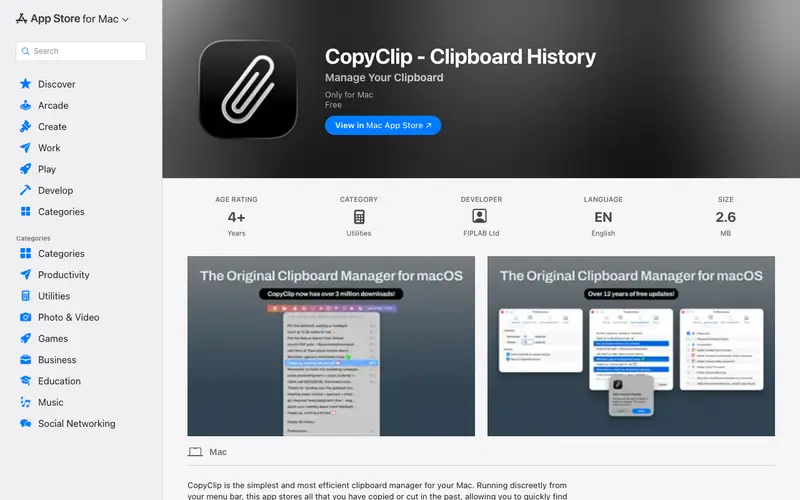
CopyClip is a clean and straightforward clipboard manager for macOS, developed by App Store apps, that silently keeps a history of everything you copy. It lives in your menu bar, providing quick access to previous clipboard contents, from plain text to rich text and images. The primary workflow involves copying items as usual, then clicking the CopyClip icon in the menu bar to view a list of recent copies, from which you can click an item to paste it. It is exclusively available for macOS. Its most used feature is its simple menu bar access to the last copied items, providing instant retrieval. CopyClip stores its clipboard history locally on your Mac, ensuring data privacy and quick performance without external servers.
Editorial check
How this page is checked
Source trail
apps.apple.com
External links are separated from Surfaced commentary.
Reader safety
Context before clicks
Product links and external services are not presented as guarantees.
Monetization
No affiliate flag
Ads and commerce links are kept distinct from editorial text.
Surfaced take
Why It’s Useful
CopyClip eliminates the hassle of losing important snippets or needing to re-copy text when juggling multiple pieces of information. For the student writing an essay, it's perfect for collecting research quotes, bibliographic details, or factual data points without constantly switching windows to recopy. For the social media manager, it simplifies posting by allowing quick access to frequently used hashtags, captions, or campaign links from a persistent history. CopyClip is free to download and use from the Mac App Store, offering its full functionality without any in-app purchases or premium tiers. While Maccy offers more advanced features like search, CopyClip wins with its extreme ease of use and minimalist interface, perfect for users who just want a basic history. A power feature is the ability to exclude specific applications from being monitored, preventing sensitive data from being saved. A non-technical person can set it up and start benefiting from it in less than 30 seconds.







Enjoyed this? Get five picks like this every morning.
Free daily newsletter — zero spam, unsubscribe anytime.