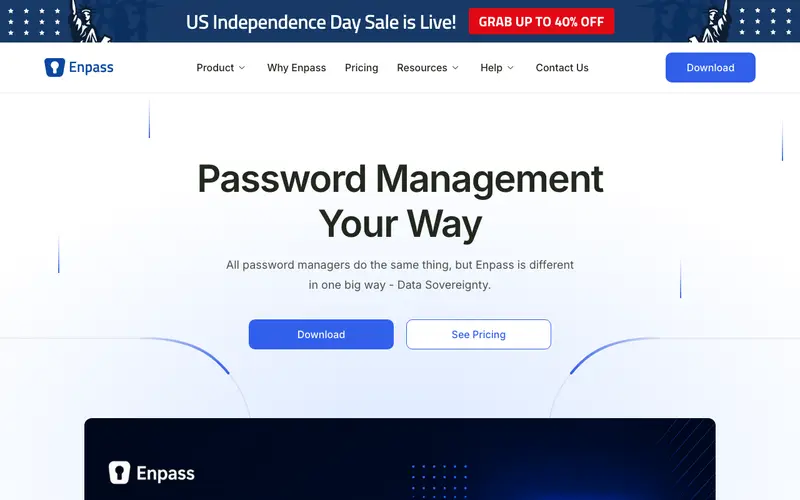
Enpass, developed by Sinew Software Systems Pvt. Ltd., is a cross-platform password manager emphasizing offline-first data storage with optional cloud synchronization. It securely stores passwords, credit cards, secure notes, and other sensitive information in an encrypted vault. Users can generate strong, unique passwords and autofill them across websites and applications, enhancing both security and convenience. The tool runs on Windows, Mac, Linux, iOS, Android, and offers browser extensions for Chrome, Firefox, Edge, and Safari. Its most used feature is its ability to sync with various personal cloud services (like Dropbox, Google Drive, OneDrive) or Wi-Fi sync, giving users control over their data's cloud location. All data is encrypted locally on the user's device using AES-256 encryption before being stored or synchronized, maintaining a zero-knowledge design.
Editorial check
How this page is checked
Source trail
enpass.io
External links are separated from Surfaced commentary.
Reader safety
Context before clicks
Product links and external services are not presented as guarantees.
Monetization
No affiliate flag
Ads and commerce links are kept distinct from editorial text.
Surfaced take
Why It’s Useful
Enpass solves the dilemma of wanting cloud sync convenience without sacrificing control over where your encrypted data resides, by allowing you to choose your own cloud provider. For the user who values privacy but still needs multi-device access, Enpass offers the flexibility to use a trusted personal cloud for synchronization. For small businesses with strict data residency requirements, it allows encrypted vaults to be synced to an approved local server or specific cloud storage, meeting compliance needs. The free tier is genuinely useful, offering full functionality on desktop, though mobile apps require a one-time purchase or subscription after a trial. Enpass stands out from most cloud-only managers like LastPass by giving users complete autonomy over their sync method and cloud provider, rather than forcing them to use a proprietary cloud. A power feature is its capability to store files and documents securely within the vault, making it a digital safe for more than just passwords. A non-technical person can set up Enpass and create their first vault in under 5 minutes, especially using the desktop application.







Enjoyed this? Get five picks like this every morning.
Free daily newsletter — zero spam, unsubscribe anytime.