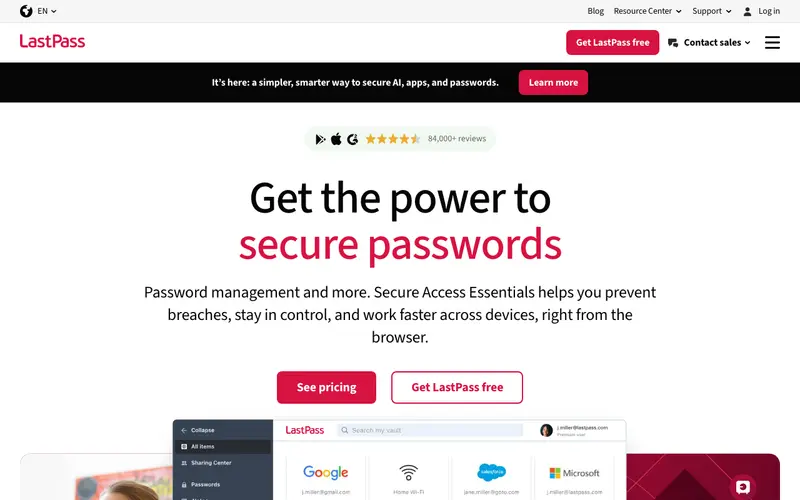
LastPass is a cloud-based password manager developed by LogMeIn (now GoTo), designed to store and manage passwords, digital notes, and form-fill profiles for individuals and businesses. Its core function is to automatically save new logins as you create them and then securely fill in your credentials on websites and applications whenever you need them. LastPass is available across almost all platforms including web, iOS, Android, Windows, Mac, Linux, and comprehensive browser extensions for Chrome, Firefox, Edge, Safari, and Opera. Its most used feature is its seamless auto-fill functionality, which makes logging into sites effortless. Data is stored in an encrypted vault on LastPass's cloud servers, accessible from any device once authenticated with your master password.
Editorial check
How this page is checked
Source trail
lastpass.com
External links are separated from Surfaced commentary.
Reader safety
Context before clicks
Product links and external services are not presented as guarantees.
Monetization
No affiliate flag
Ads and commerce links are kept distinct from editorial text.
Surfaced take
Why It’s Useful
LastPass eliminates the frustration of forgotten passwords and the security risk of reusing weak ones, making online life smoother and safer. For the busy freelancer juggling multiple client portals, LastPass streamlines access, ensuring they can quickly log in without scrambling for notes. For the tech-savvy student, it securely manages academic logins, online subscriptions, and even payment methods across their laptop and phone. The free tier is genuinely useful, offering unlimited passwords and syncing across one device type (either mobile or desktop), making it a great entry point for many users. Compared to Bitwarden, LastPass often has a slightly more polished, albeit proprietary, user interface and a longer history in the market. A key power feature is its built-in security challenge, which scans your vault for weak or compromised passwords and suggests improvements. While its initial setup is straightforward, understanding its device type limitations on the free tier might require a quick read of their FAQ.







Enjoyed this? Get five picks like this every morning.
Free daily newsletter — zero spam, unsubscribe anytime.