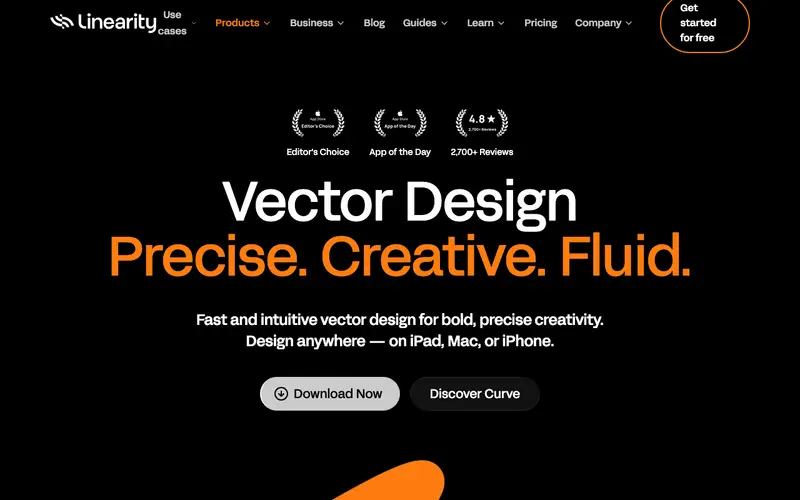
Linearity Curve is a powerful, free vector graphic design software developed by Linearity GmbH, providing a comprehensive suite of tools for illustration, typography, and UI design. It's built to offer professional-grade vector editing capabilities, rivaling desktop giants, but optimized for Apple's ecosystem. The primary workflow involves creating new documents, drawing with a versatile pen tool, manipulating shapes, and exporting high-quality vector assets for various purposes. It works exclusively on iPad, iPhone, and Mac, leveraging Apple Pencil and touch interfaces for an intuitive experience. Its most used feature is the Auto Trace tool, which converts raster images into editable vector paths with impressive accuracy. All project data is stored locally by default and can be synced via iCloud, ensuring creative work is always accessible and secure across devices.
Editorial check
How this page is checked
Source trail
linearity.io
External links are separated from Surfaced commentary.
Reader safety
Context before clicks
Product links and external services are not presented as guarantees.
Monetization
No affiliate flag
Ads and commerce links are kept distinct from editorial text.
Surfaced take
Why It’s Useful
This tool eliminates the high cost barrier to entry for professional vector design software and the need for complex desktop setups for mobile designers. For the illustrator who works on the go, Linearity Curve offers a full-featured studio on their iPad, allowing them to create intricate artwork anywhere. For the small business owner needing to design a logo or marketing materials, it provides powerful yet accessible tools without a monthly subscription. The free tier is fully functional and genuinely useful, offering all core features without any paywalls for essential work. Compared to Adobe Illustrator, Linearity Curve excels in its touch-optimized interface and performance on mobile devices, making it a truly portable design solution. A power feature is the Time-lapse recording, which automatically captures the creative process, perfect for sharing on social media or demonstrating workflow. The learning curve is moderate; while powerful, its intuitive interface allows a non-technical person to start creating basic shapes and designs within 15-30 minutes, with deeper features requiring more exploration.
In everyday life
When you’d actually reach for this
You need to create a simple logo for your friend's new bakery to share on social media. You also want to design a clear, visually appealing infographic to explain your upcoming group trip itinerary to friends.







Enjoyed this? Get five picks like this every morning.
Free daily newsletter — zero spam, unsubscribe anytime.