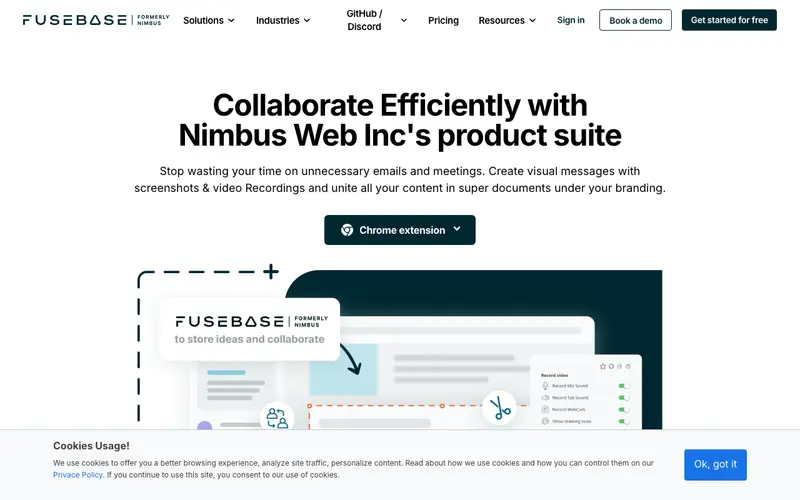
Nimbus Screenshot & Screen Recorder is a powerful browser extension developed by Nimbus Web Inc., providing comprehensive screen capture and recording capabilities directly within your browser. Its core function is to allow users to quickly capture full web pages, specific areas, or record screen video with annotations, then edit and share them. The primary workflow involves clicking the Nimbus icon in the browser toolbar, selecting the capture/record type (visible part, fragment, entire page, video), performing the action, and then using the built-in editor before saving or sharing. It is available as a browser extension for Chrome, Firefox, Edge, and Opera. The most used feature is its ability to capture entire scrolling web pages as a single image, which is invaluable for web designers and content curators. Nimbus allows saving captures locally, printing them, or integrating with Nimbus Note (their cloud service) for cloud storage and collaborative features.
Editorial check
How this page is checked
Source trail
nimbusweb.me
External links are separated from Surfaced commentary.
Reader safety
Context before clicks
Product links and external services are not presented as guarantees.
Monetization
No affiliate flag
Ads and commerce links are kept distinct from editorial text.
Surfaced take
Why It’s Useful
Nimbus Screenshot & Screen Recorder eliminates the hassle of juggling multiple tools for screenshots, screen recordings, and annotations, especially when working extensively with web content. For the UX researcher documenting user flows on a website, it offers the perfect tool to capture long scrolling pages and annotate them with feedback arrows and notes. For the content curator collecting visual inspiration or competitor analysis, it provides an efficient way to capture and mark up web content for later reference. The free version is genuinely useful, offering robust screenshot and basic screen recording features, while the Pro version unlocks advanced video editing, watermarks, and deeper cloud integration. Compared to simple screenshot extensions, Nimbus wins with its extensive capture options, powerful annotation tools, and integrated video recording, making it a Swiss Army knife for web-based visual capture. Its power feature is the ability to edit screenshots with blur, arrows, text, and other shapes directly in the browser before saving. A non-technical person can install and start using its basic features in under 2 minutes.
In everyday life
When you’d actually reach for this
You need to show your partner the exact steps to reproduce a bug you found in a recipe website. When planning your next group trip, you want to quickly capture several restaurant options from different tabs to send to everyone. After finding a fantastic article you want to save for later, you quickly grab a screenshot before you forget.







Enjoyed this? Get five picks like this every morning.
Free daily newsletter — zero spam, unsubscribe anytime.