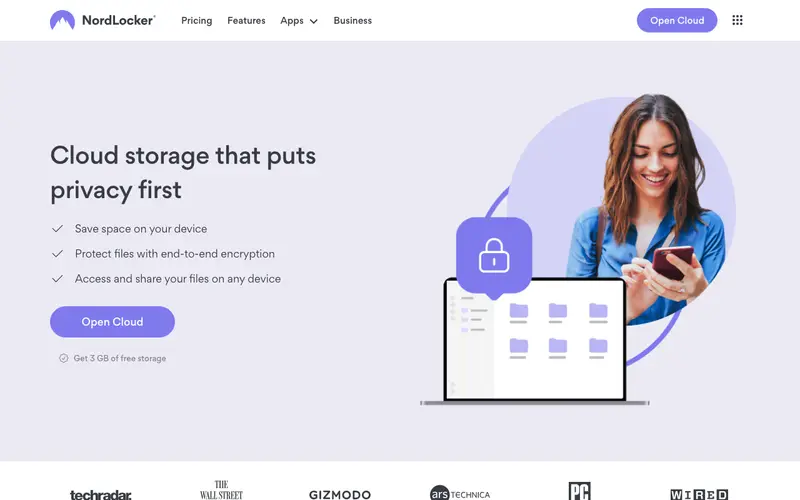
NordLocker is an encrypted cloud storage and file encryption tool developed by Nord Security (the creators of NordVPN), designed to protect your files with end-to-end encryption. It allows you to encrypt files and folders locally on your device and then store them securely in the cloud or on your local disk. The primary workflow involves dragging and dropping files into the NordLocker application to encrypt them, creating "lockers," which can then be synced to its secure cloud or managed locally. It is available on Windows, Mac, Android, and iOS, ensuring your encrypted files are accessible across devices. Its most used feature is the ability to easily share encrypted files with others, who can then decrypt them with a key or password. All files are encrypted using advanced ciphers like AES-256 and Argon2 before leaving your device, ensuring true zero-knowledge privacy in the cloud.
Editorial check
How this page is checked
Source trail
nordlocker.com
External links are separated from Surfaced commentary.
Reader safety
Context before clicks
Product links and external services are not presented as guarantees.
Monetization
No affiliate flag
Ads and commerce links are kept distinct from editorial text.
Surfaced take
Why It’s Useful
NordLocker eliminates the significant risk of data breaches and unauthorized access to sensitive files stored in the cloud or on local devices. For the privacy-conscious remote worker, it ensures that all shared documents and client files remain confidential, even if cloud storage providers are compromised. For photographers or designers, it provides a secure way to store high-value creative assets, protecting intellectual property from theft or accidental exposure. NordLocker offers a free tier with 3 GB of encrypted cloud storage, genuinely useful for personal documents, with paid plans offering significantly more space and features. Compared to standard cloud storage like Google Drive, NordLocker wins by providing true end-to-end encryption for all files by default, meaning only you can access them. A power feature is its ability to encrypt entire folders in place, turning any local folder into a secure locker without needing to move files. A non-technical person can download the app, encrypt their first file, and sync it in under 5 minutes with its drag-and-drop interface.






Enjoyed this? Get five picks like this every morning.
Free daily newsletter — zero spam, unsubscribe anytime.