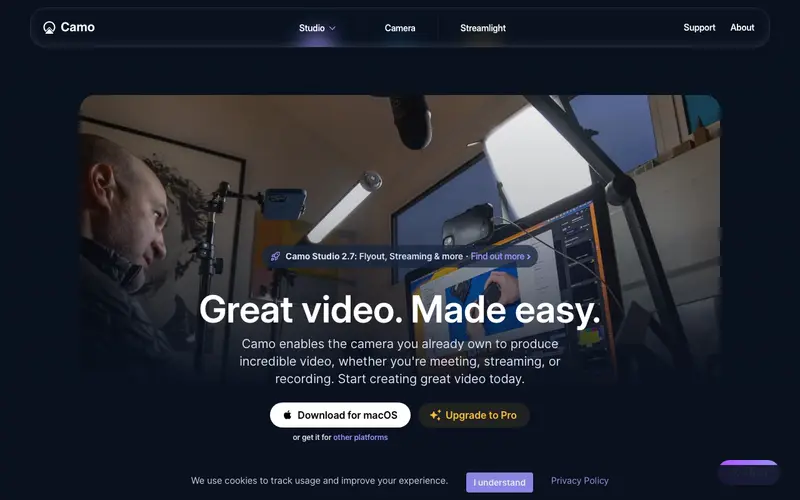
Camo, developed by Reincubate, is an innovative software that transforms your iPhone or Android device into a professional-quality webcam for your computer. Its core function is to leverage the superior cameras of mobile phones for video calls, streaming, and recording, offering features like advanced controls, effects, and resolutions not typically found in standard webcams. The primary workflow involves installing the Camo app on your phone and the Camo Studio app on your computer, connecting them via USB or Wi-Fi, and then selecting 'Camo Camera' in any video application. It supports iOS, Android, macOS, and Windows. The most used feature is its ability to output high-resolution video (up to 4K) with granular control over focus, exposure, and color correction. Camo processes video locally between your phone and computer, with no video data ever sent to Reincubate's servers, ensuring privacy and security.
Editorial check
How this page is checked
Source trail
reincubate.com
External links are separated from Surfaced commentary.
Reader safety
Context before clicks
Product links and external services are not presented as guarantees.
Monetization
No affiliate flag
Ads and commerce links are kept distinct from editorial text.
Surfaced take
Why It’s Useful
Camo solves the widespread problem of poor webcam quality, especially for users who frequently engage in video conferences, live streams, or screen recordings that require a presenter's face. For the remote presenter giving an important webinar, it allows them to maintain a professional image with crisp video and studio-like controls, enhancing credibility. For the content creator recording tutorials and wanting a high-quality facecam alongside their screen capture, it provides an affordable alternative to dedicated DSLR setups. The free version offers excellent 720p video and essential controls, making it genuinely useful, while the Pro version unlocks higher resolutions, advanced lenses, and more fine-tuned adjustments. Compared to built-in webcams or cheaper external webcams, Camo wins by delivering significantly superior video quality and control using hardware most people already own. Its power feature is the depth-of-field control (Portrait Mode), allowing users to achieve a professional blurred background without expensive hardware. A non-technical person can set it up in under 5 minutes with clear on-screen instructions.
In everyday life
When you’d actually reach for this
You need to join a video call for your weekly budget meeting and your laptop's webcam is grainy. You're organizing a virtual reunion with friends and want everyone to see your new puppy clearly. You're setting up a quick hand-off call with a colleague before they go on annual leave.






Enjoyed this? Get five picks like this every morning.
Free daily newsletter — zero spam, unsubscribe anytime.