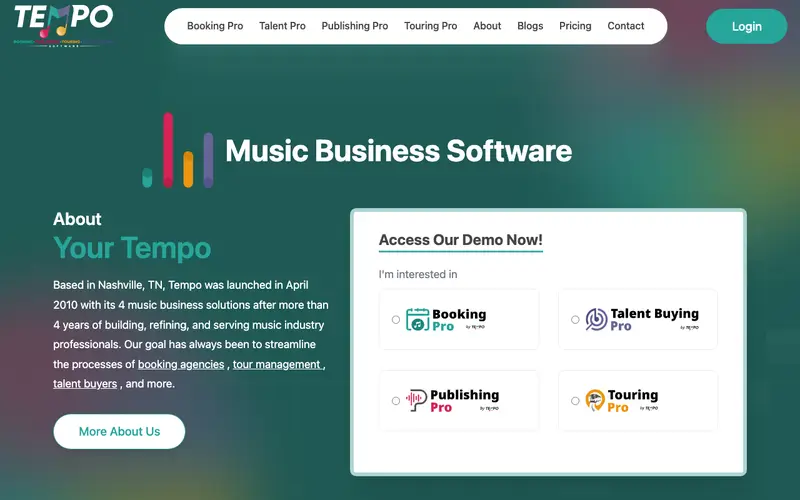
Tempo is a desktop and mobile email client re-imagined for deep work and focused productivity, developed by the same team behind the original Newton Mail. Its core feature is a "Focus Mode" that hides your inbox, presenting emails in batches at scheduled times, reducing interruptions and encouraging single-tasking. It's primarily built for knowledge workers, creatives, and executives who struggle with constant email distractions and aim to reclaim large blocks of focused work time. Users open Tempo when they want to process emails efficiently without being pulled into an endless cycle of checking, or when they need to protect their deep work sessions. Tempo supports Gmail, Outlook, Exchange, Yahoo Mail, iCloud, and any other IMAP account, and is available on macOS, Windows, iOS, and Android.
Editorial check
How this page is checked
Source trail
yourtempo.com
External links are separated from Surfaced commentary.
Reader safety
Context before clicks
Product links and external services are not presented as guarantees.
Monetization
No affiliate flag
Ads and commerce links are kept distinct from editorial text.
Surfaced take
Why It’s Useful
It offers a radical departure from traditional email clients like Outlook or Gmail, prioritizing uninterrupted focus over constant availability, unlike even "snooze" features in other clients which still leave the inbox visible. For the software engineer requiring long stretches of uninterrupted coding, Tempo's batching feature ensures they only see emails at designated times, preventing context switching. For the writer working on a deadline, Tempo provides a distraction-free environment, allowing them to draft content without the constant temptation of new incoming messages. Tempo operates on a subscription model, offering a free trial to experience its unique features, with the full service requiring a paid monthly or annual plan. Many users don't immediately discover its "Email Insights" feature, which provides a personalized weekly report on email habits, helping users understand and optimize their communication patterns. It's not more popular because its philosophy of batching and hiding emails is counter-cultural to the "always-on" expectation, and it requires users to adapt their habits. Tempo has a dedicated development team that regularly refines its UI/UX and adds features based on user feedback, maintaining a strong focus on its core deep work principle.







Enjoyed this? Get five picks like this every morning.
Free daily newsletter — zero spam, unsubscribe anytime.