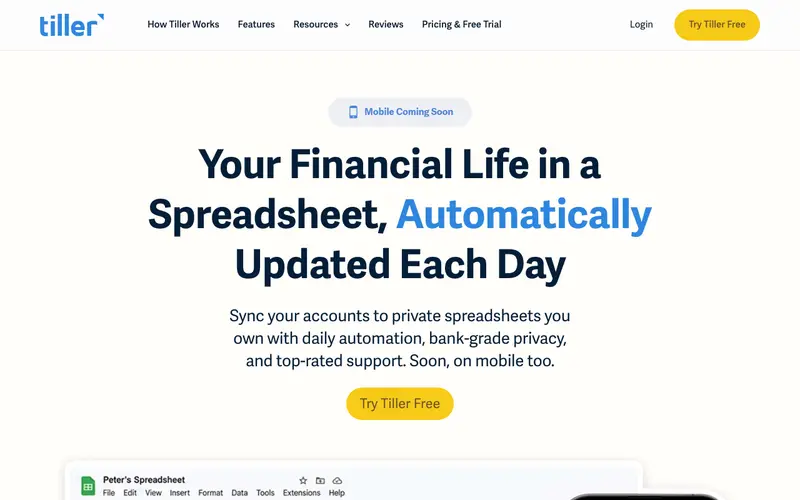
Tiller Money is a unique personal finance service created by a team of finance and technology veterans, designed to automatically feed all your financial transactions and balances into Google Sheets or Microsoft Excel. It acts as a powerful backend for spreadsheet-based budgeting, combining the flexibility of a spreadsheet with the automation of a modern finance app. The primary workflow involves connecting bank accounts, credit cards, and investments to Tiller, which then automatically populates a user's chosen spreadsheet template with daily transaction data. It works across web browsers for its dashboard, with the actual budgeting happening in Google Sheets or Microsoft Excel. Its most used feature is the daily automatic refresh of financial data directly into user-owned spreadsheets, eliminating manual data entry. All financial data is securely synced and stored in the user's personal Google Drive or OneDrive, offering strong control over their own data, with Tiller never seeing or storing transaction details directly.
Editorial check
How this page is checked
Source trail
tillerhq.com
External links are separated from Surfaced commentary.
Reader safety
Context before clicks
Product links and external services are not presented as guarantees.
Monetization
No affiliate flag
Ads and commerce links are kept distinct from editorial text.
Surfaced take
Why It’s Useful
Tiller Money eliminates the frustration of manual data entry for spreadsheet enthusiasts who prefer the ultimate customization of a spreadsheet over a rigid app interface. For the data analyst who loves manipulating numbers and building custom reports, Tiller provides a clean, automated data feed directly into their preferred analytical environment. For a small business owner tracking personal and business expenses separately in spreadsheets, Tiller streamlines the data import process, freeing up time for analysis rather than manual logging. Tiller offers a 30-day free trial, after which it requires a paid annual subscription, meaning the free tier is solely for evaluation. Compared to traditional budgeting apps like Monarch Money or YNAB, Tiller wins by offering unparalleled flexibility and ownership of data, appealing to users who want to build their own budgeting system. A power feature is the vibrant community and template library, allowing users to leverage advanced spreadsheet solutions created by others. The learning curve is moderate to high; while connecting accounts is easy, building or customizing a robust budgeting system in a spreadsheet requires some technical comfort with spreadsheets, likely taking a non-technical person more than 30 minutes to set up effectively.
In everyday life
When you’d actually reach for this
You might pull it up on a Sunday afternoon to see where your spending landed last week, or when planning a shared vacation to easily track everyone's contributions. It's also useful for a quick glance before handing off finances for annual leave.







Enjoyed this? Get five picks like this every morning.
Free daily newsletter — zero spam, unsubscribe anytime.